Placing a workstation by a view can lift mood and invite natural light, but it also introduces glare and distractions that affect screen work.
Research shows shifting gaze into the distance after near work helps relax the eye. The 20-20-20 rule supports regular distance-viewing breaks to reduce digital eye strain.
A good desk placement balances comfort, productivity, and aesthetics. In a home office, the right position desk choice can make the room feel brighter without creating monitor glare.
People should measure wall space, test layout options, and consider basic feng shui to face the front of the room. Thoughtful placement helps manage sunlight, reduce distractions, and protect long-term comfort.
The Hidden Pros and Cons of Desk Placement Near Windows
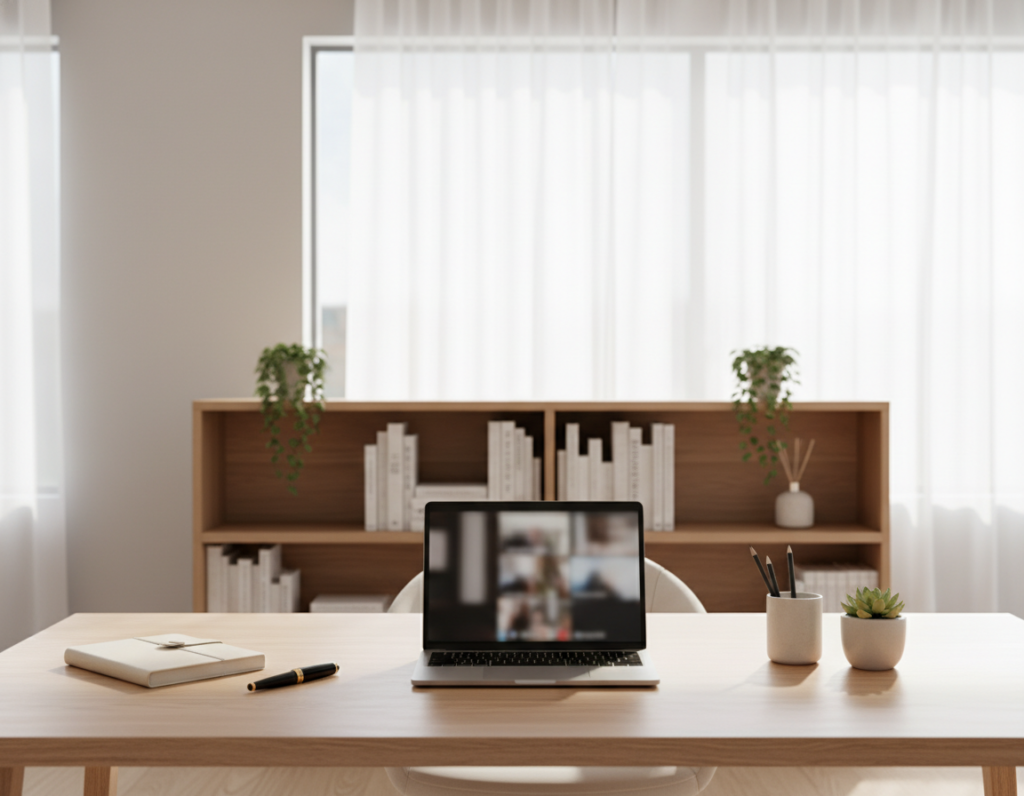
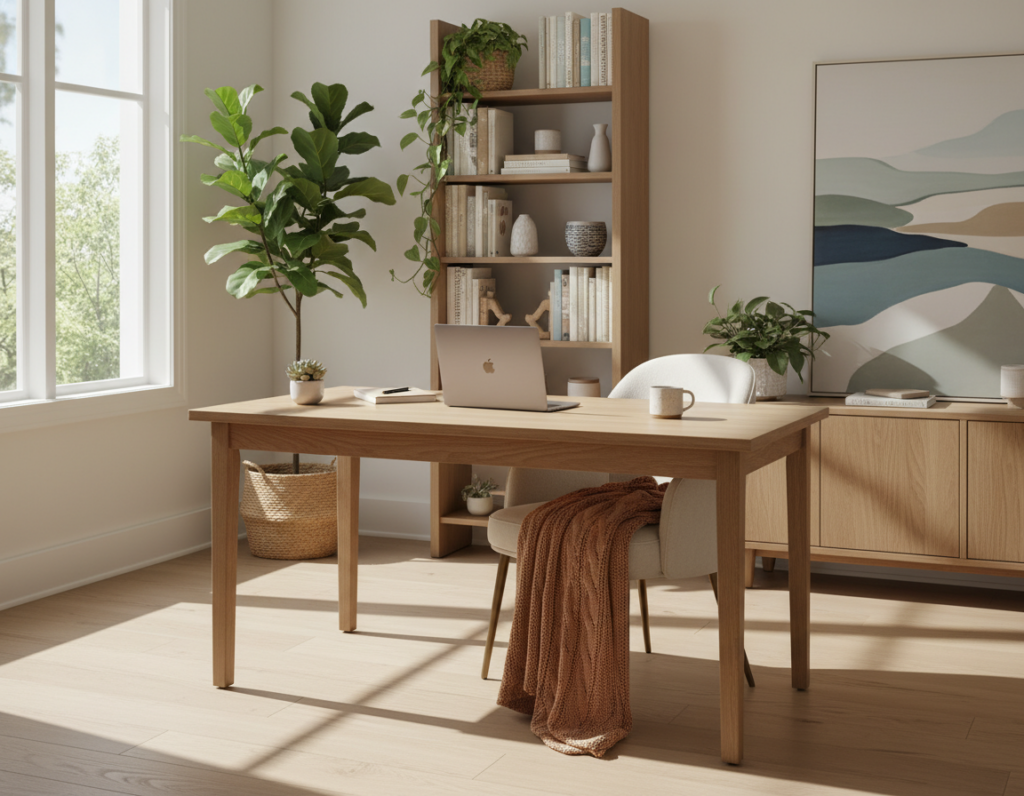
How one orients their workspace toward a view can change daily comfort and focus. Placing a desk facing a window often lifts mood and brings natural light into a home office. This sense of openness can boost creativity and reduce the gloom of long workdays.
At the same time, glare from bright sun can disrupt screen work and cause eye fatigue. Many people find that a desk facing window setup needs blinds, anti-glare filters, or alternative layout choices to stay productive.
Market and lifestyle shifts also matter. With the U.S. home office market growing and roughly one in five workers teleworking in 2025, investment in proper placement has real payoff.
- Balance view and function by testing positions during peak daylight.
- Consider placing units against a wall if glare proves disruptive.
- Respect feng shui advice: people often feel less grounded with their back to bright openings.
Thoughtful layout choices help a workstation remain a productive space rather than a constant distraction.
Why Natural Light Enhances Your Home Office Experience
Morning light sets a clear biological cue that helps people start their workday with steady energy. Natural light improves mood and supports circadian rhythms, so a well-lit room feels more welcoming and productive.
Mood and Circadian Rhythms
Exposure to daylight in the early morning helps regulate sleep-wake cycles and boosts emotional balance. This effect makes the office a calmer place to spend long hours.
When someone places a desk in front of a window, sunlight can warm the space and offer a pleasant view that reduces stress.
Reducing Digital Eye Strain
The 20-20-20 rule is an easy, effective way to cut screen fatigue: every 20 minutes look at something 20 feet away for 20 seconds. This small habit lowers tension and refreshes focus.
“A few minutes of distant viewing each hour reduces eye strain and helps sustain productivity throughout the day.”
- Early natural light supports mood and sustained energy.
- Good light management minimizes glare on the screen.
- Positioning the desk against a wall that faces sunlight can balance comfort and access to view.
Common Challenges When Positioning a Desk Near a Window
What looks like an ideal view can quickly become a source of glare, heat, and distraction. People who set up a home office in front of bright openings often face practical problems that reduce focus and comfort.
The Impact of Outside Distractions
Glare and reflections are the most common complaints. OSHA workstation guidance warns that bright windows directly in front of a screen create visual discomfort and hamper visibility.
Direct sunlight can also heat a monitor and nearby surfaces, causing expansion and long-term wear. Moving cars, pedestrians, and pets add frequent interruptions that break concentration.
- OSHA: bright openings in front of the screen increase glare and eye strain.
- Putting desk units against glass may lead to heat buildup and equipment damage.
- Outside movement often reduces sustained focus and lowers productivity.
- Feng shui notes suggest that facing window activity or turning one’s back to it can feel unstable.
- A wall-facing layout usually offers fewer distractions and steadier light control.
“Proper layout planning helps avoid the glare and heat that often plague a poorly positioned workstation.”
Finding the Ideal Desk Near Window Layout for Productivity
Orienting the work area to control light and door visibility helps people stay focused all day. A thoughtful layout balances natural light with screen comfort and reduces distractions in a home office.
The Case for Perpendicular Placement
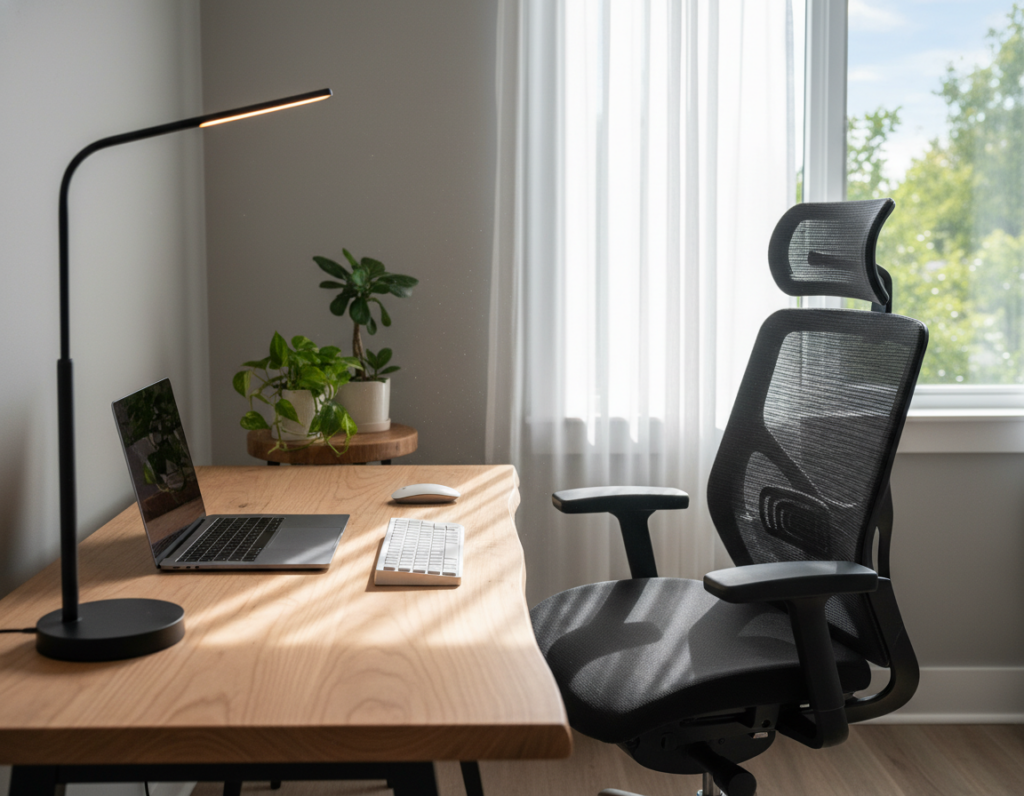
A desk perpendicular to the window often gives the best balance of daylight and glare control. With the screen at a right angle to incoming light, reflections fall off the monitor and eye strain drops.
Avoiding the Command Position Conflict
Facing the glass can feel inviting but also distracting. Putting the workstation so it faces the room—not directly at the opening—preserves a sense of control and avoids the command position conflict that many people report.
Managing Doorway Visibility
Feng shui advice and practical planning both favor seeing the door from the seat without being aligned directly with it. This sightline reduces startle responses and supports steady focus during long work sessions.
- A perpendicular placement balances daylight and glare control.
- Standing setups work well when the monitor sits at a right angle to light sources.
- Be able to see the door; this provides comfort and reduces distractions.
Essential Adjustments for Glare and Heat Control
Controlling incoming sun and screen orientation prevents glare while keeping a workspace pleasant. OSHA recommends placing the face of the display at right angles to windows and other light sources to cut reflections and reduce eye strain.
Layered window treatments—such as blackout curtains plus sheer panels—let a person enjoy natural light without harsh sunlight. These options also reduce heat buildup that can harm a monitor and raise room temperature.
Simple layout shifts help too. Avoid placing the workstation directly in front of bright openings. Turning the screen slightly and adding a small shelf or plant softens the view and follows feng shui guidance without blocking light.
- Place the monitor at right angles to incoming light to minimize glare.
- Use blackout curtains or layered treatments to balance daylight and equipment protection.
- Manage placement to lower distractions and maintain steady comfort throughout the day.
“Proper light control preserves comfort and protects equipment while keeping the room productive.”
Selecting the Right Furniture for Your Window-Side Workspace
Choosing furniture that matches sunlight patterns and circulation can make a workspace both healthier and more productive.
Benefits of Adjustable Standing Desks
Adjustable standing units let a person switch posture throughout the day. This reduces musculoskeletal strain and supports longer, healthier work sessions in a home office.
Practical features matter. The Bifrost Standing Desk series includes cable management and pegboard compatibility, which keeps cords tidy and equipment accessible when placed by a bright opening.
- Fit the space: Measure the room so the standing desk allows movement and fits against a wall or glass without blocking power access.
- Heavy-duty option: The FlexiSpot E9 with brushless motors supports up to 180 kg, ideal for multi-monitor setups and robust office gear.
- Placement tips: An L-shaped or front-facing setup requires planning to avoid facing the back and to control glare.
- Ergonomics: A quality standing setup eases back and neck stress, improving focus and comfort for long work days.
For guidance on balancing view benefits with glare control, readers can consult a practical discussion about placing a workstation in front of a window: pros and.
Conclusion
A thoughtful layout turns sunlight and sightlines into productivity tools rather than distractions.
In a practical home office, balancing view and function helps a person enjoy natural light while protecting screen visibility. Whether one places a desk facing the window or chooses a perpendicular setup, comfort and ergonomics should guide the decision.
Careful room measurement and planning prevent glare, heat, and outside interruptions. Applying basic feng shui alongside ergonomic rules can create a stable, focused space that supports daily work.
With the right setup and a durable desk, the front of the room can feel inviting and remain functional for years to come.