KV Workspace brings over 20 years of experience designing modern offices across Louisiana. They note that the office layout can make or break a team’s productivity.
When planning office space, designers must avoid common errors that create clutter and decrease focus. Poor lighting and limited storage are often overlooked and raise eye strain during the work day.
How people interact with furniture matters. Desks placed without sightlines or adequate light hurt efficiency. Simple design choices influence employee comfort, team flow, and overall productivity.
This section highlights the most frequent design mistakes and offers quick solutions to help businesses create a professional office space that supports employees every day.
The Impact of Poor Office Design
Ineffective office planning often reduces productivity before teams even notice. When the layout fails people, focus fragments and routine tasks take longer.
Poor office design creates a work environment that drags on mood and motivation. In such an office, lighting and furniture feel like obstacles, not support.
Teams in a cramped office space report lower energy and more interruptions. A neglected office layout can make desks hard to use and increase visual clutter.
“Thoughtful design is an investment: it improves how people interact with their desk and the whole office.”
- Lower productivity and focus when the space is uninspiring.
- Bad furniture placement and poor lighting damage mood and efficiency.
- Smart office design supports both physical comfort and the team’s mental health.
Investing in a planned office layout prevents common design mistakes and helps employees do their best work.
Common Small Workspace Mistakes to Avoid
Design choices that ignore scale and function cause friction in daily work. These issues often start with how people measure and use every inch of an office.
Identifying Spatial Constraints
Failing to account for spatial constraints turns a room into a cluttered area. When desks and shelving are oversized, walking paths shrink and visual clutter increases.
Tip: Map clear circulation lines and reserve a dedicated desk or task area to reduce distractions and keep the environment orderly.
The Cost of Inflexible Layouts
An inflexible layout forces employees into setups that do not match their tasks. That mismatch lowers productivity and raises frustration across teams.
Solution: Choose adaptable furniture and modular layouts so the office space can change with needs. Proper storage and layered lighting also cut clutter and improve focus.
“Thoughtful adjustments to layout and storage multiply the usefulness of a compact room.”
- Measure before you buy furniture to avoid wasted area.
- Create zones for specific work to limit distractions.
- Prioritize lighting and storage to support a cleaner office design.
The Importance of Ergonomic Furniture
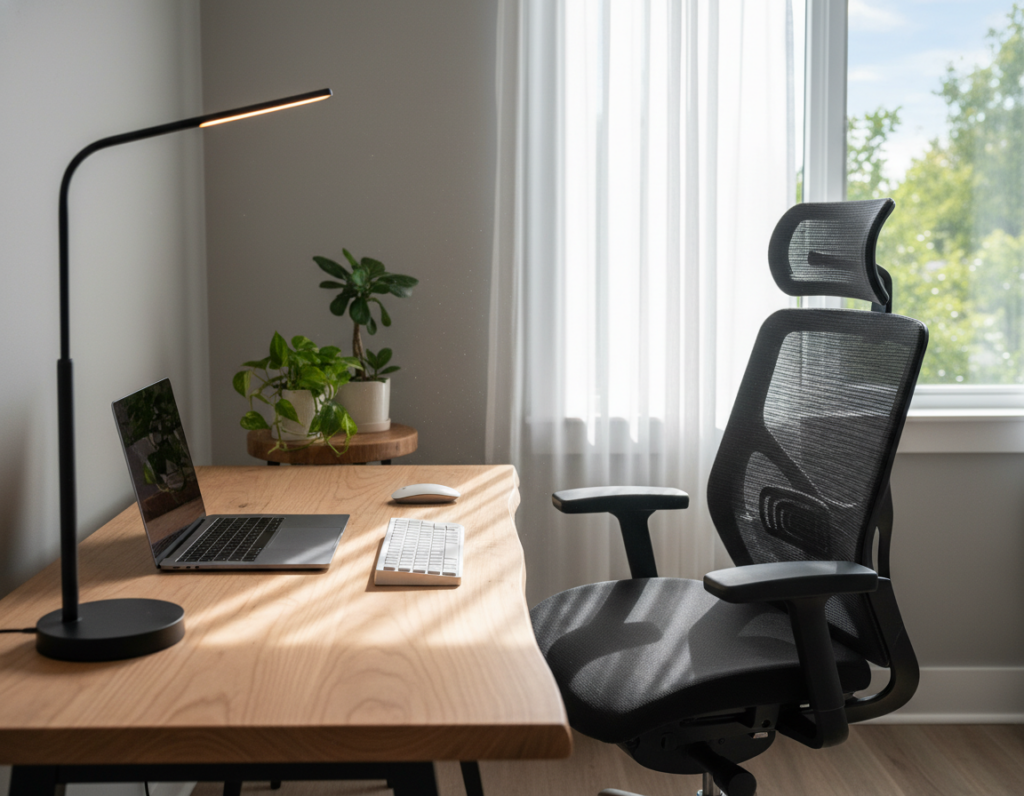
Ergonomic furniture transforms an office from a passive setting into an active support system for employee health. Investing in adjustable chairs and sit-stand desks helps protect posture and reduces long-term strain.
Selecting adjustable seating means choosing chairs with lumbar support, seat depth options, and height adjustment. A well-chosen chair prevents back pain and keeps a team productive throughout the day.
Selecting Adjustable Seating
Ignoring ergonomics is a common design mistake that can cause neck strain and chronic back issues for employees. Proper office design must put health first.
- Chair fit: Adjustable lumbar and armrests reduce fatigue.
- Sit-stand desks: Allow movement and improve focus.
- Layout choices: Position desks and light to support neutral posture.
“Ergonomic investment reduces absenteeism and improves long-term productivity.”
Prioritizing ergonomics is one of the best ways to avoid common problems and create an efficient work environment for the whole team.
Maximizing Natural Light for Better Focus
Natural light changes how a room feels and can directly lift team energy and focus.
Daylight has proven benefits: it improves mood, boosts productivity, and reduces eye strain. Good office design treats light as a core element when planning layout and furniture placement.
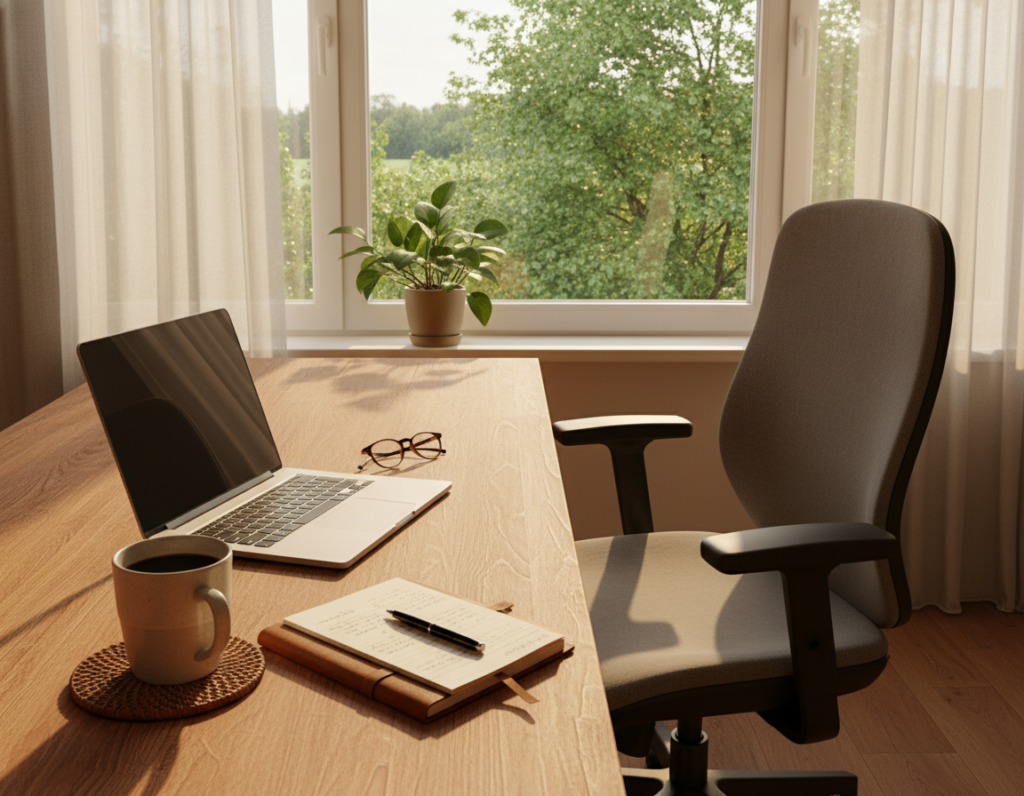
Positioning a desk near a window gives employees more exposure to natural light throughout the day. That single change often lowers fatigue and reduces headaches that come from poor lighting.
- Balance: Blend daylight with adjustable artificial lighting so the office space stays bright after sunset.
- Protect: Use shades or diffusers to cut glare without sacrificing natural light.
- Plan: Map sightlines and storage so light reaches work areas and supports focus.
“Natural light is a simple design choice that improves the work environment and supports employee health.”
Avoiding common design mistakes with lighting creates a focused office where teams can perform at their best.
Clutter Management and Storage Solutions
Clear storage systems keep teams focused and cut the daily time wasted hunting for files. Good clutter control supports productivity and protects posture by preventing chaotic piles that cause strain during the day.
Utilizing Vertical Storage
Maximize vertical shelving to free floor area and preserve circulation in a compact office layout. Tall cabinets and wall-mounted units let furniture and desks sit where people need them most.
Digital Document Management
Move paper to cloud systems to reduce physical clutter and speed retrieval. Digital filing cuts distractions and improves overall efficiency for teams and employees.
Regular Decluttering Routines
Set weekly desk checks and monthly purge days so clutter never accumulates. Combine routines with acoustic strategies—like Haworth’s solutions—to create a quieter, more focused work environment.
- Quick wins: Label bins and assign zones to limit visual clutter.
- Ergonomic benefit: Proper storage helps prevent back pain and supports good posture.
- Process: Use digital tools and simple declutter schedules to maintain focus and reduce eye strain.
For practical tips on avoiding common organization errors, see smart storage strategies.
Defining Zones for Collaboration and Privacy
Clear zoning separates team hubs from quiet areas so everyone can do deep work without interruption. This reduces distractions and improves focus in the office.
A dedicated meeting room gives teams a place to tackle complex projects. It also protects heads-down work in the rest of the office space and raises productivity for all.
Design balances shared areas and private rooms. Thoughtful placement of furniture and storage supports both group tasks and solo work.
Use modular panels, low shelving, and selective sightlines to create distinct spaces. These choices limit noise bleed and make transitions between tasks smoother.
Incorporating natural light into meeting zones keeps energy up and makes collaborative time feel positive. Good office design blends light, acoustics, and clear circulation to avoid common mistakes.
“Zoning lets employees choose the setting that fits the task.”
When zones are clear, offices run better: teams collaborate without disrupting individual focus.
The Role of Traffic Flow in Efficiency
How people move through an office directly affects daily efficiency and team rhythms.
Efficient traffic flow prevents bottlenecks that slow productivity. When aisles are clear and desks are placed with intention, employees spend less time detouring and more time on work.
Optimizing Walkways
Designers should map primary routes to meeting rooms, printers, and kitchens. This planning reduces interruptions and supports steady output.
Place desks and storage so people can pass without squeezing between furniture. Thoughtful office design respects sightlines and lighting to guide movement naturally.
- Plan clear routes: Mark main paths that avoid desks and high-use stations.
- Support health: Ergonomics, like an adjustable chair at shared stations, protect posture for employees who move often.
- Quick access: Arrange essential resources close to main flows to cut wasted time.
“A well-planned layout keeps the team moving and the day productive.”
Optimizing traffic flow is a simple, high-impact solution that improves efficiency and employee health.
Integrating Technology for Modern Work
Modern offices function best when technology is woven into the layout, not tacked on afterward.
Start by planning power and data at the desk. Built-in outlets and charging stations give employees easy access and cut downtime.
Ensure the space supports high-speed internet and current collaboration tools. Reliable connectivity and cloud software keep teams working together without friction.
Prioritize flexible tech: choose modular AV, movable monitors, and scalable networks. This approach lets the office design adapt as teams grow or change.
Good integration minimizes interruptions and keeps focus on core tasks. When technology is part of the plan, teams see immediate gains in productivity and morale.
“Designing tech into the layout turns equipment from an afterthought into a daily advantage.”
- Power and charging at each desk
- Robust Wi‑Fi and cloud collaboration
- Modular systems that scale with growth
Technological solutions that align with office goals make the environment more resilient and easier for employees to use.
Reflecting Brand Identity in Your Layout
A well-branded office layout turns visual cues into a daily reminder of company purpose. When identity guides layout decisions, the team sees values in every corridor, reception, and meeting area.
Use brand colors, typography, and logo placement to create a cohesive workspace that feels intentional. Thoughtful color accents and branded signage make the space memorable for clients and welcoming for employees.
Design a dedicated reception or desk zone that highlights your culture. A well-branded desk area boosts morale and gives employees a stronger sense of belonging. That connection supports daily focus and overall productivity.
- Consistency: Apply colors and materials across rooms to unify the office.
- Function: Place branded elements where clients first arrive and teams gather.
- Values: Translate mission statements into visuals that guide how people work.
“When values are visible in the layout, the office becomes a strategic tool for growth.”
Involving Employees in the Design Process
Inviting employees to share how they use the space uncovers practical needs designers miss.
Start with clear, low-effort outreach: run short surveys, host focus groups, and schedule hands-on workshops. These methods collect actionable feedback that guides better office design decisions.
When staff contribute, the team gains a sense of ownership. That pride often lifts morale and improves productivity.
“A collaborative design process turns good ideas into practical changes that people actually use.”
- Surveys: gather fast input on layout, lighting, and storage.
- Focus groups: dig into daily workflows and shared needs.
- Workshops: prototype layouts and test solutions with real users.
Professional office design that centers employees reduces rework and keeps the workplace functional over time. Prioritizing user input creates a layout people accept and support.
Conclusion
Good office design converts daily habits into lasting productivity gains. A thoughtful plan ties ergonomics, light, storage, and traffic flow into a cohesive whole.
Prioritizing adjustable furniture, natural light, and clear storage turns any space into a comfortable, high‑functioning area. These choices improve health, morale, and work quality.
Involve the team early to capture real needs. Their input makes the final design practical and easier to adopt.
With careful planning and professional help, a well‑designed office becomes an investment. It reflects brand values and supports long‑term success for employees and the business.