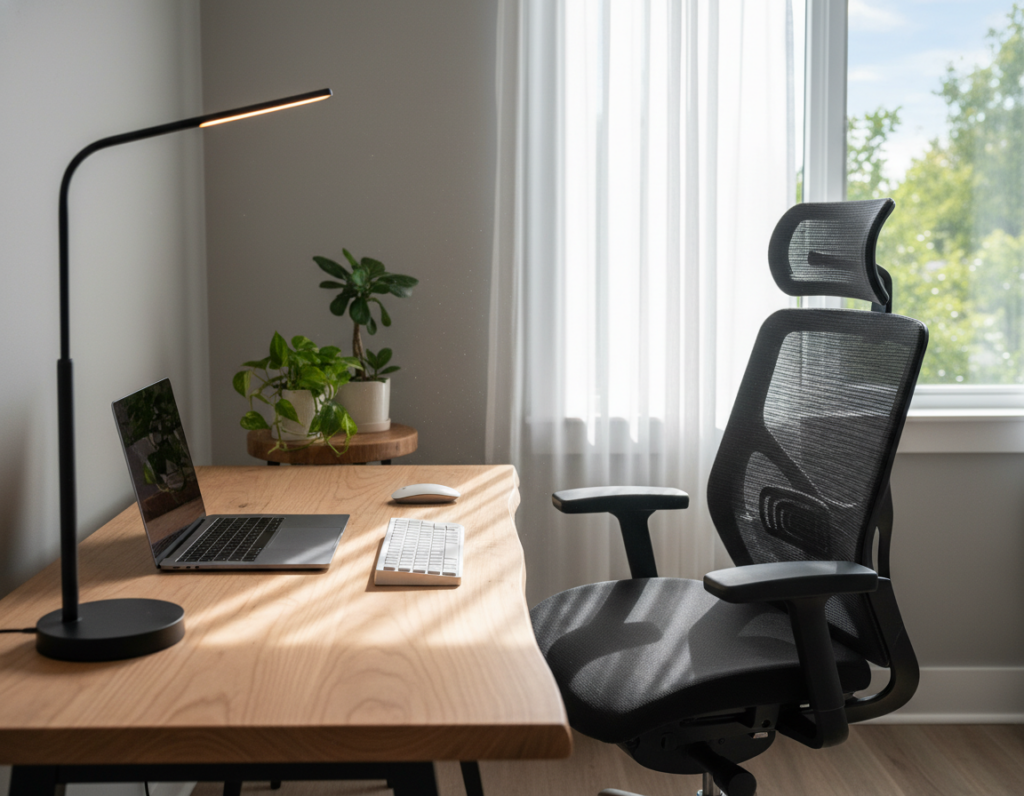
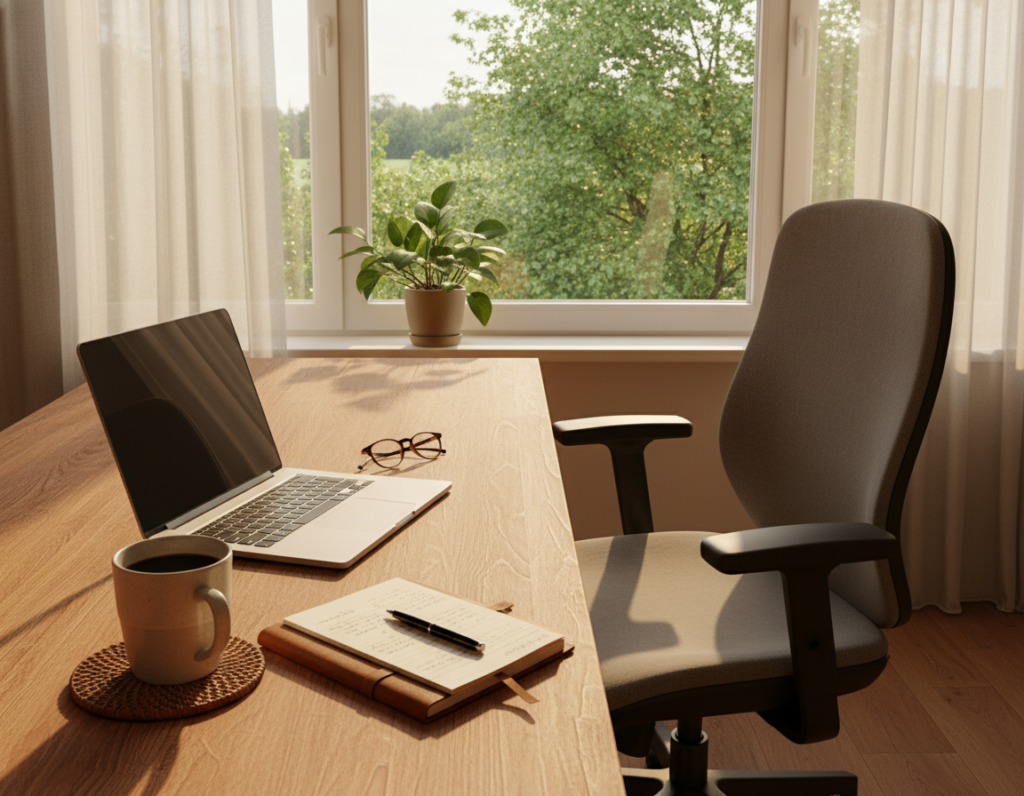
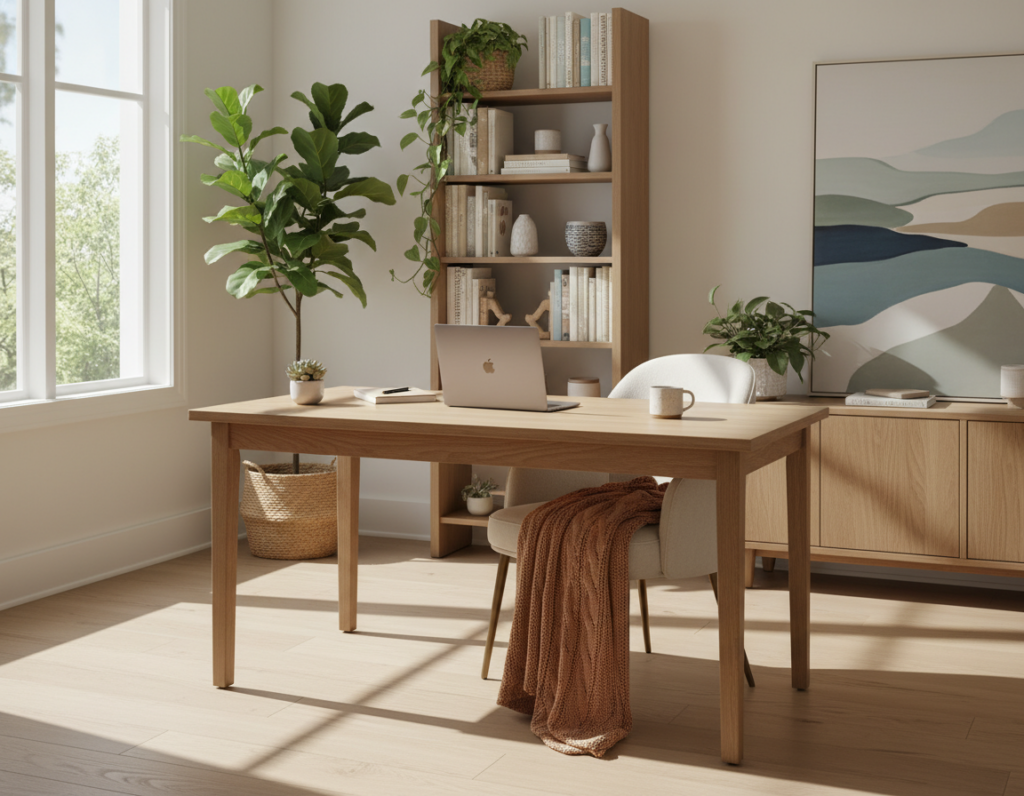
A tidy visual field helps people stay focused and projects competence during every meeting. Chrome, Firefox, and Microsoft Edge Chromium support modern virtual visual features, while Safari 12.0+ ensures those options render correctly. Keeping a neutral wall, smart lighting, and modest décor reduces distractions and boosts productivity.
They should update their browser and test a zoom background on a desktop before important sessions. Mobile browsers on iOS Safari and Android Firefox also let participants access calendar and file settings on the go.
Practical choices matter: optimize camera settings, arrange a clear screen layout, and choose an office design that speaks to professionalism. A consistent virtual background feature saves time and removes the need to tidy the room before every meeting.
For ideas on creating a polished space and tasteful elements, see a short guide on home office background ideas. Small changes to lighting and placement make a big difference from start to end of the work day.
Why Your Professional Image Depends on Your Background
Every meeting begins with a pixelated handshake — the scene behind you speaks before you do.
First impressions form instantly. For many clients, the image they see on screen is their first interaction. A tidy room or a consistent virtual background on Zoom or Microsoft Teams signals competence.
A cluttered home office can distract people from the message. Messy shelves or random items make it harder for clients to focus on the face and the content of the meeting.
Small technical choices matter. Proper camera angle, steady lighting, and clean design choices reduce distractions and build credibility.
- Your background acts as a digital handshake for clients and colleagues.
- Using a virtual background or a simple zoom background can show that you care about presentation.
- Consistent room design helps people trust that your meetings are reliable and professional.
Take a moment to check settings and options before meetings. Thoughtful preparation preserves a professional image, whether at home or in an office.
Selecting the Ideal Video Call Background Setup
Choosing the right visual field can make every meeting feel more polished and focused. Neutral colors and minimal décor let attendees focus on the speaker. This approach supports a consistent professional image across platforms like Zoom and Teams.
Neutral Color Palettes
Soft whites, gentle grays, and warm earth tones reduce glare and help the camera render a steady image. These colors prevent the screen from shifting tint and preserve skin tones on most cameras.
Minimizing Visual Clutter
Keep shelves and walls simple. Busy patterns and bright prints can pixelate or distract during a meeting. A plain wall or a subtle virtual background option prevents the camera from struggling.
- Face first: Neutral colors keep the face as the focal point in every meeting.
- Less clutter: A tidy space reads like a dedicated office rather than a random room.
- Natural light: Sit near a window when possible; it improves image quality without complex lighting gear.
- Test options: Try a zoom background or physical wall to see what looks best on camera and screen.
Using Physical Dividers to Create a Dedicated Workspace
A simple partition can turn a spare corner into a focused work area in minutes. Physical dividers give a clear visual cue that someone is working and help keep the backdrop tidy for every meeting.
Modular partitions are a flexible option for renters and homeowners who need changeable solutions. Brands like Ashley Furniture offer 22 distinct pieces that help define a home office, while Aspenhome adds six tasteful choices.
Modular Partition Options
- Partition Room Divider: Fast to set up and ideal for creating a professional backdrop for Zoom sessions.
- Mounted L-shaped Partition Wall: A DIY-friendly option with a swing door that delivers privacy and a true office feel.
- Furniture accents: Archbold Furniture items pair storage and style to improve room layout and productivity.
These options let users craft a consistent virtual background without permanent construction. A defined space boosts focus during meetings and improves overall productivity.
Mastering Lighting Techniques for Virtual Meetings
A well-lit face makes every meeting feel more professional, regardless of the room behind it. Good lighting keeps attention on the speaker and improves how the image renders on screen.
Natural Light Positioning
Place a window in front or slightly to the side so natural light hits the face. This creates a healthy, glowy look and keeps colors steady on camera.
Sitting with light in front also helps the virtual background remain subtle and less distracting.
Avoiding Backlighting
Never sit with a bright window behind you. Backlighting causes silhouettes and loses facial detail. Move the desk or add a sheer curtain to soften harsh rays.
Using LED Panels
For dim rooms, soft LED panels provide even illumination and reduce shadows. They help the face stay the focal point and keep virtual backgrounds from flickering.
Adjust camera and desktop settings, then test before the meeting. For practical advice on choices and angles, see the best lighting guide.
- Tip: Test light, camera, and screen together for consistent results.
- Tip: Keep the room simple so the face remains primary and the background stays secondary.
- Tip: Small changes in window position or LED angle can transform your image from dull to crisp.
Curating Subtle Personality Elements
Subtle touches in your office let people glimpse who you are while keeping the scene professional. They add warmth without pulling attention away from the speaker.
Add one or two intentional items — a small potted plant, a favorite book, or a framed print can make the room feel lived-in and approachable. These elements work well in a zoom session and translate across platforms.
When curating images or objects, avoid logos and any controversial items. Logos can distract and reduce the perceived professionalism of an office during a meeting.
- Keep it simple: limit items so the face stays primary.
- Match your style: pick elements that reinforce your design and role.
- Rotate thoughtfully: try a new background by swapping one element at a time.
Regular, subtle updates keep a virtual background fresh and help build trust with clients. In short, let the room support the conversation — not compete with it.
Maintaining Consistency for Brand Recognition
A consistent visual scene helps people tie a space to a brand quickly. When the on-screen image repeats, it becomes a memorable cue for clients and colleagues.
Choose one tidy background and stick with it. Using the same virtual background or a simple office wall across every meeting builds familiarity. It also saves time at home when preparing for a session.
Testing the image on different screens ensures the visual stays reliable for every participant. A stable scene reinforces a professional identity and reduces last-minute changes before a meeting.
- Branding: Repeat a single virtual backgrounds style so clients recognize the space.
- Efficiency: A fixed background eliminates scrambling to tidy an office before each meeting.
- Consistency: Test the image on laptop and phone screens to keep the look uniform.
- Presence: A dependable scene makes webinar and video content feel polished and trustworthy.
Conclusion: Elevating Your Digital Presence
A clear, well-lit frame around the speaker makes every interaction feel more credible. Simple choices in lighting, layout, and office style shape how people perceive a presenter. They can refine a virtual background or a plain wall to keep the face as the focal point.
Make sure camera settings and desktop calendar entries are ready before important meetings. Small checks save time and reduce stress. Remove distracting logos and clutter so images remain clean and consistent.
Whether working from a home office or a shared space, consistent elements and thoughtful design boost productivity and presence. With a reliable scene and tested settings, anyone can get started and present with confidence from start to end.