Many families faced messy cords and scattered devices in the past, and they sought simple fixes to restore calm. Designer in a Binder helped homes reclaim counter and desk space while keeping gadgets ready for use.
A thoughtful setup keeps phones, tablets, and chargers in one tidy place. This reduces clutter and saves time looking for cords or lost devices.
Small upgrades — from wood trays to hidden ports and labeled compartments — turned piles of electronics into a sleek piece of decor. By choosing the right option, people found a balance between style and function in the kitchen, bedside, or home office.
The Importance of Charging Station Organization
A tidy power hub can turn a messy nightstand into a calm, efficient spot for daily tech.
Good charging station organization replaces cord chaos with a single, neat hub. It keeps an iPhone, Apple Watch, and other devices in one place. This reduces clutter and saves time when someone needs to leave the house.
Benefits at a glance:
- Multi-device charging removes spaghetti-like tangles of cords on a bedside table.
- A premium unit in solid wood or leather doubles as a piece of decor for the home.
- Designated spots for each device cut daily stress and speed up routine tasks.
Consolidating power and ports on a desk or counter also protects fragile chargers and electronics from wear. A well-designed solution keeps tech integrated, easy to reach, and ready to go each morning. It becomes the reliable spot where devices return at night.
Assessing Your Household Tech Needs
Start by listing every phone, tablet, and headset the household uses so nothing is missed. A quick inventory shows how many ports and what type of power each device needs.
Evaluating Device Volume
Count all multiple devices that need power at the same time. Include phones, tablets, laptops, wireless headphones, and smartwatches.
- Note which gadgets need fast charging or USB-C ports.
- Estimate peak usage to avoid relying on extra power strips.
- Match ports to devices so every charger has a dedicated place.
Determining Optimal Placement
Observe where family members drop their tech—often a kitchen counter or a home desk. Choose a spot that is reachable but out of the main walk path.
Proper placement reduces cords and daily clutter, and keeps devices ready when they need to be used.
Selecting Materials That Complement Your Decor
Material choices can make a dedicated device area feel like furniture rather than utility. Picking warm, durable finishes helps the unit blend with the room and last through daily wear.
The Benefits of Wood and Leather Finishes
Solid wood and genuine leather add warmth and a refined look that plastic cannot match. A wooden piece resists scratches and becomes a lasting part of the décor.
The NYTSTND TRIO shows how premium materials can turn a simple charger into a stylish accessory for a desk or nightstand. High-quality finishes hide cables and reduce the visual clutter of multiple devices and cords.
- Wood offers durability and a natural grain that pairs with many styles.
- Leather brings texture and a softer edge to a tech area.
- Choosing a finish that matches other furniture keeps the space cohesive and calm.
Result: By opting for wood or leather, homeowners got a practical power solution that also lifted the room’s overall style.
Bedside Table Solutions for Sleep-Friendly Charging
Small bedside solutions let devices recharge without bright lights or messy cords. A 3-in-1 charging station lets a phone, Apple Watch, and earbuds power up in the dark so the user does not see glowing LEDs while trying to sleep.
Sleep-friendly designs are dark and quiet. Many modern options mute indicator lights and keep fans or buzzers off so rest is not interrupted.
Compact footprints save space on a night table and leave room for books or a lamp. Upright designs also make it easy to check the time or silence alarms without fumbling in the dark.
- Keep cables routed neatly behind the table to preserve a calm bedroom.
- Consider a charging drawer to hide chargers and preserve surface calm.
- Pick a small wood or neutral finish to blend with nightstand decor.
Result: A sleep-focused solution keeps gadgets ready each morning while protecting nightly rest and the serene feel of the home.
Kitchen and Countertop Management Strategies
A tidy countertop transforms a busy kitchen into a calm hub for meals and devices alike.
A dedicated charging station on the counter gives the family one reliable spot for phones, tablets, and laptops. It reduces clutter and saves time finding a lost device before heading out.
Managing Tablets and Laptops
Keep larger devices upright in slots or a riser so they use less footprint and stay ventilated. A tray with compartments holds a laptop and two tablets neatly.
Choose a unit that supports multi-device charging so tablets and laptops can top up together without swapping cords.
Keeping Counters Clear
Hide excess cables in a bottom tray to prevent messy tangles on the prep surface. A compact unit fits on an island or by the table without taking valuable work space.
- Place the station near a wall outlet to reduce long cable runs.
- Use labeled compartments for each phone or charger so devices return to the same spot.
- Pick a neutral finish that blends with the kitchen for a minimalist look.
“A single, small hub keeps devices visible, powered, and out of the way.”
Utilizing Hidden Drawer and Cabinet Spaces
Hidden drawers turned everyday power ports into discreet, clutter-free refuges for phones and tablets.
Place a compact unit inside a shallow drawer to keep devices out of sight while they top up. A tip-out cabinet or repurposed shallow drawer fits tablets and a phone without taking counter space.
Safety matters: many in-cabinet setups use a power bar with surge protection to reduce risk and keep electronics safe.
- Install USB ports in the cabinet to avoid bulky chargers.
- Use small compartments or dividers so each device has a dedicated spot.
- Combine the charging area with baskets or books to disguise tech.
Shutting the drawer provides a real mental break and restores a calm look to the home. For details on integrating hidden solutions, see hidden storage solutions.
Minimalist Acrylic and Wall-Mounted Options
For tight apartments, mounting a clear acrylic hub on the wall reclaims valuable desk and counter space.
Minimalist acrylic charging station designs keep phones and tablets visible without taking up surface area. They are ideal for small rooms and modern decor.
Installation Tips for Renters
Command hooks offer a simple way to mount an acrylic unit without drilling holes. Many renters use them for a secure, removable option.
Choose a unit with cable clips or a bottom tray to hide cords. That reduces the look of clutter while keeping devices easy to grab.
- Pick an acrylic option that holds multiple phones or a tablet upright.
- Place the unit near an outlet to reduce long cables running across the counter.
- Test adhesive strength on a hidden wall spot before final placement.
Result: A wall-mounted acrylic choice is a clean, low-impact option for renters who want a sleek, functional spot for their gadgets.
Essential Technical Features for Modern Chargers
Choosing a unit with intelligent power handling keeps batteries healthy and devices ready. Home hubs now do more than supply juice; they manage voltage, protect gear, and align accessories for simple use.
Understanding Power Delivery
Power Delivery (PD) negotiates the right wattage with each device. This reduces heat and preserves long-term battery health for a phone, tablet, or laptop.
Practical tip: pick a model that lists total wattage and per-port output so it can handle multi-device charging without throttling.
The Role of Surge Protection
Built-in surge protection is non-negotiable. It shields expensive devices from spikes that can damage circuits and shorten lifespan.
Look for ratings and certifications that confirm the unit meets safety standards. A protected hub reduces risk and adds real value to the bedside or desk setup.
MagSafe Compatibility
MagSafe alignment ensures an iPhone snaps into the perfect spot every time. The NYTSTND QUAD pairs MagSafe with fast-fill ports and a refined look for a bedside layout.
Fast charging plus MagSafe makes overnight top-ups simple and reliable for an Apple Watch and phone without fuss.
A great unit does more than send power; it intelligently manages the process to extend battery life.
- Power Delivery delivers the precise current your device requests.
- Surge protection guards against sudden electrical spikes.
- MagSafe ensures secure alignment for repeatable, efficient charging.
Creative Cable Management Techniques
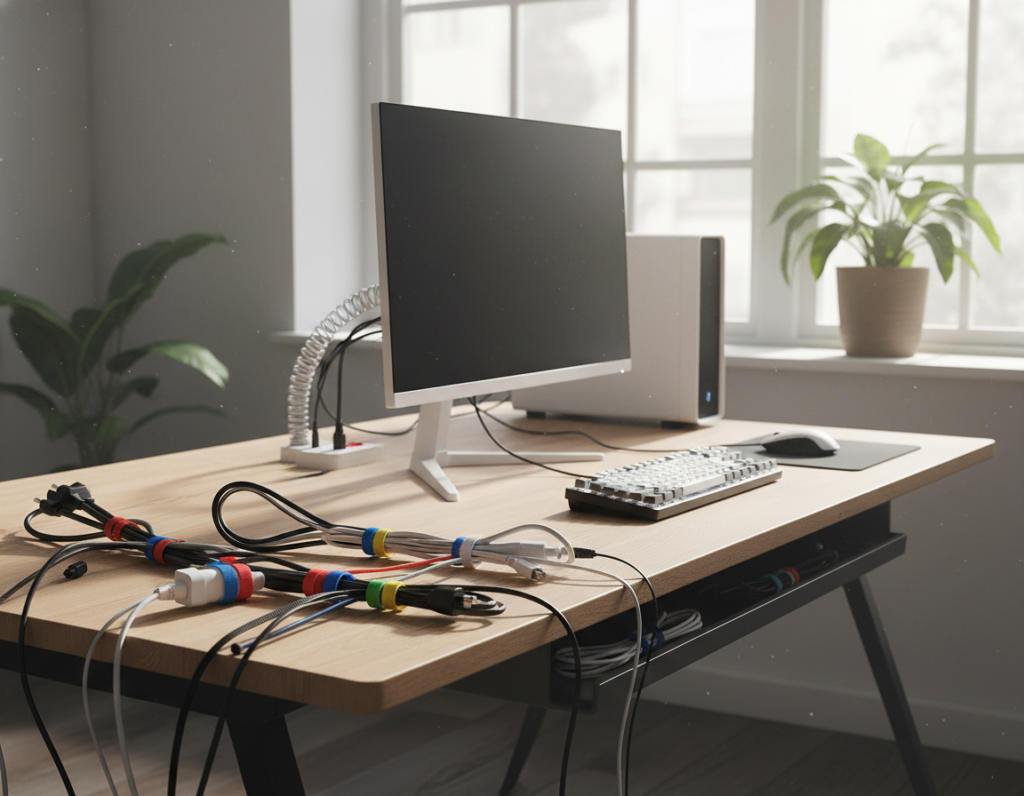
A tidy cable plan turns a cluttered desk into a calm, usable surface. Start by grouping cords for phones, an Apple Watch, and other devices so each cable has a clear path.
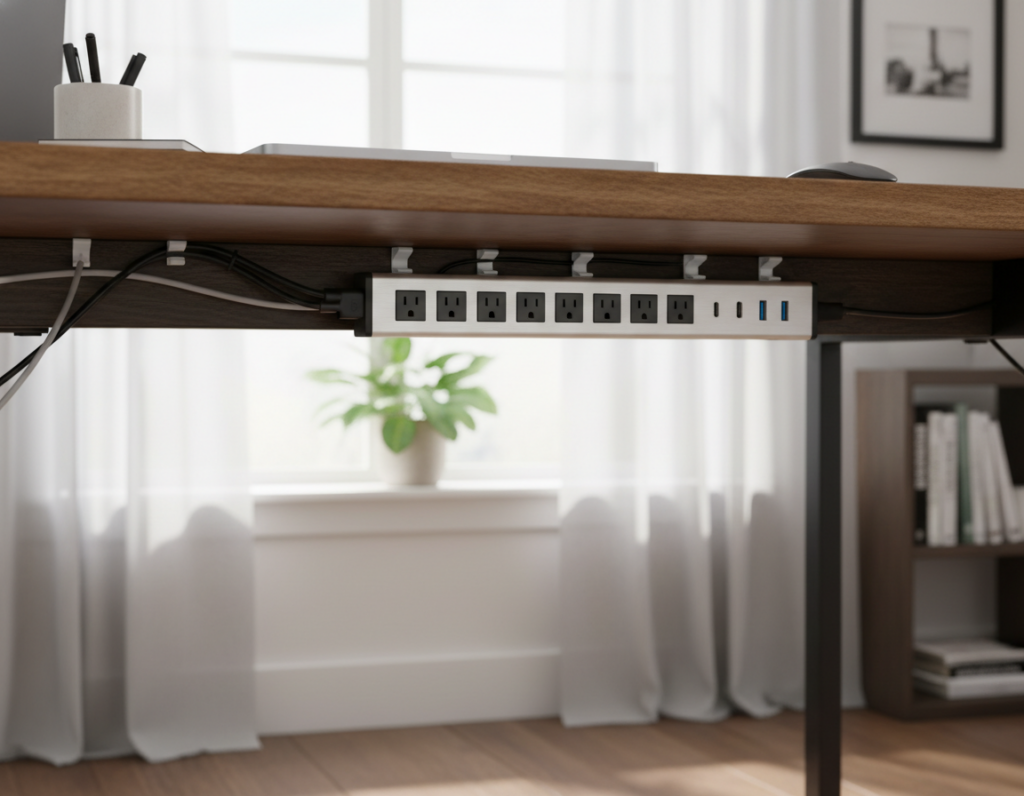
Route power behind furniture with clips or ties to keep cables flush against the wall. This reduces visual clutter and prevents trips over loose cords.
The DUO TRAY unit helps by offering built-in channels that hide excess length. Hidden compartments store slack so the top surface stays clean and streamlined.
- Use cable clips or Velcro ties to bundle cords by device.
- Place the hub near an outlet and run the main cord behind a baseboard or leg.
- Label chargers subtly so plugging a phone or watch is fast and foolproof.
“Consolidating all power and ports into one hub removes the daily tangle and keeps devices ready to go.”
Result: Proper cable routing makes setups for multiple devices feel orderly. A small investment in clips, a DUO TRAY-style layout, and a bit of planning yields a calmer, more efficient space.
Conclusion
A simple hub can turn nightly tech clutter into a calm, useful corner of the home. By using a few smart charging station ideas and tidy station ideas, a family can keep devices organized and ready each morning.
Choose a quality unit that blends with decor and offers surge protection so expensive gear stays safe. Good choices give reliable power, hide cords, and act as a subtle piece of decor. With the right setup, people can say goodbye to tangled cords and enjoy a cleaner, more efficient space for all their devices.