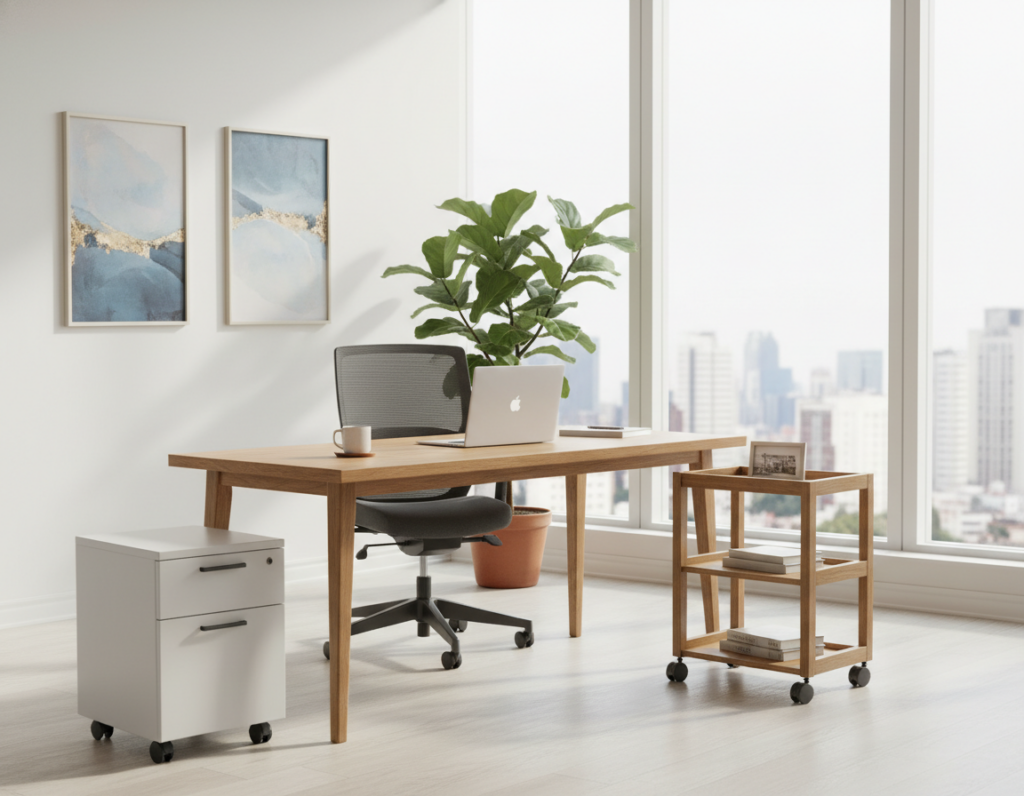
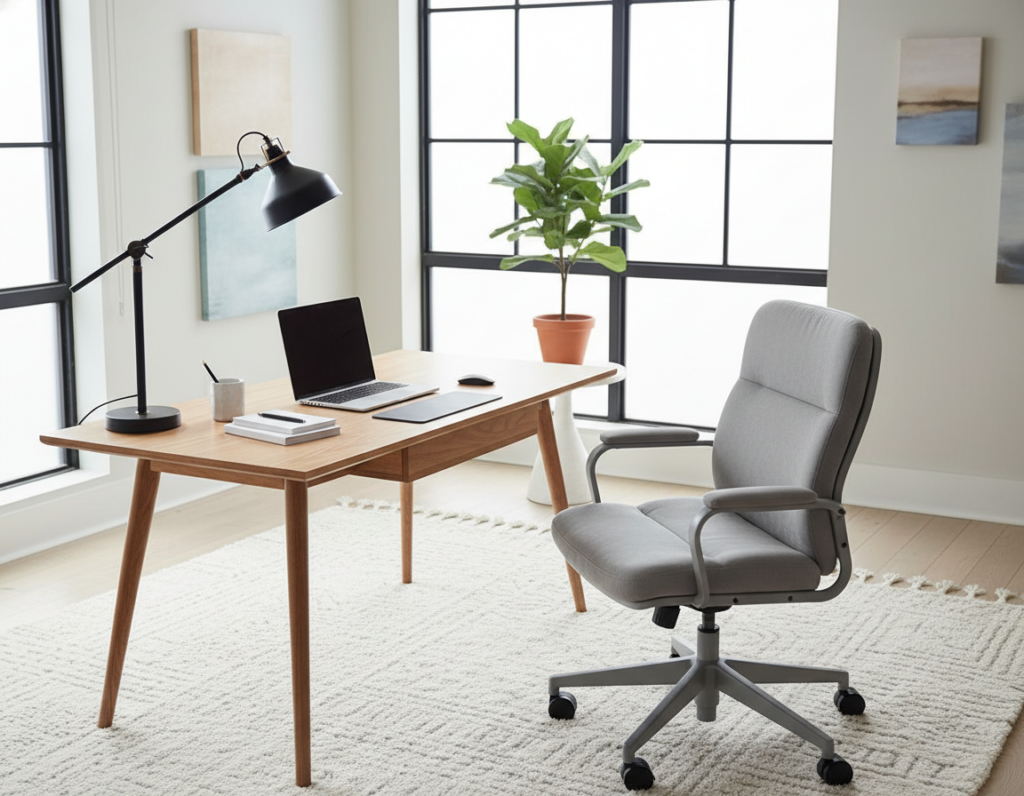
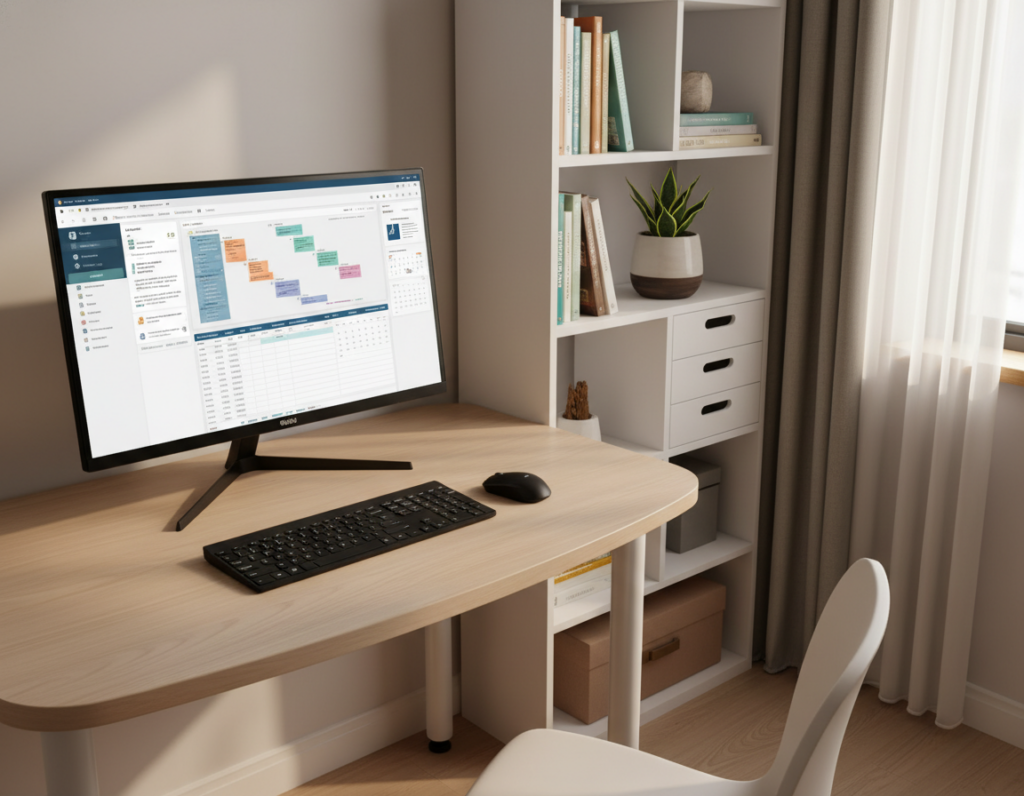
Practical choices make a home office both tidy and productive. The Frylr model supports up to 400 pounds, so it stays steady during long work sessions. Many professionals prefer a 40.6-inch surface like the Elephance for spread-out tasks.
Compact options can still be serious workstations. The WOHOMO unit folds to a slim 2.76 inches, which tucks neatly under a bed. Research also shows a 31.5-inch width often fits a laptop and essentials without crowding.
Buyers should weigh construction and warranty. Metal frames usually beat basic wood in stability. The Techni Mobili RTA-15FLD adds peace of mind with a five-year limited warranty and US support.
Measure first, then choose. A well-made table with a monitor stand or shelf can convert any room into a functional workspace without clutter.
Why a Folding Desk is Essential for Modern Living
Space-savvy furniture lets people reclaim rooms without sacrificing a proper work setup. A compact table can act as a dedicated workstation during the day and disappear at night. This makes it ideal in a dorm, studio, or corner of a living room.
The TEMI small computer desk shows that portability doesn’t mean flimsy. Its welded metal frame supports up to 200 pounds and leveling feet stabilize uneven floors in a small space.
The Frylr model brings a warm wood finish that fits with living-room decor. The VINGLI option uses teak-and-black accents to lift a contemporary home office style.
“A folding desk often turns wasted floor area into a professional computer desk with minimal assembly.”
- Versatility: Acts as a side table, study surface, or full home office desk.
- Quick setup: Minimal assembly gets a workstation ready in minutes.
- Value: Lower price than many fixed pieces, with useful shelf and storage options.
Defining the Ideal Folding Desk for Small Spaces
An ideal compact table begins with a clear understanding of whether a laptop setup or a monitor-focused workstation is needed.
Laptop vs. monitor needs: If they plan to use a single laptop, a slim writing table with a minimal tabletop will suffice. Users who need dual screens should target wider tops like the Elephance 40.6-inch surface to avoid crowding and to keep posture correct.
Measuring available floor space: Check open clearance and the folded thickness to confirm storage fits under a bed or behind a door. A standard depth sits near 16 inches, while deeper units—such as some Huuger models—offer more elbow room.
- The WOHOMO design uses nylon buckles for one-handed folding and unfolding, easing daily use.
- GreenForest’s reinforced middle bracket prevents sag and improves long-term stability.
- Choose a metal frame with a durable wood tabletop and, if in a dorm, a built-in shelf or desk storage shelf to maximize utility.
Quick tip: Measure in inches and confirm assembly is simple so the workstation is ready with minimal effort. Browse top foldable desks to compare dimensions and features: top foldable desks.
Our Rigorous Testing Methodology
Our testers assembled and used ten candidate tables over weeks to measure stability, ease of setup, and long-term durability. They staged each unit in real home rooms to simulate daily computer work and repeated folding cycles.
How we scored products: Scores weigh 70% purchase likelihood and 30% innovation. Innovation covers unique folding mechanisms and ergonomic add-ons that improve a home office experience.
Review analysis drew on thousands of user reports to separate hype from real-world performance. Test procedures included setup time, wobble checks, and repeated mechanism trials to flag weak points.
- Stability and side-to-side wobble under normal load.
- Ease of assembly versus pre-assembled convenience.
- Quality of the writing surface and shelf capacity.
- Durability of the frame and folding mechanism over repeated cycles.
“The Frylr earned a 9.4 rating and the TEMI scored 9.3 after rigorous, real-world checks.”
Why this matters: The process ensures recommended options hit the right balance of space efficiency, structural integrity, and everyday usability. For comparisons and buying guidance, browse our roundup of the best folding desks.
Top Picks for No-Assembly Convenience
A true no-assembly option means the workstation is ready the moment it arrives. These units appeal to renters, students, and anyone who needs a quick setup without tools.
The Benefit of Instant Setup
Speed matters. The Frylr model pops open in seconds and supports a 400-pound load, so users can place a computer or dual monitors and start work right away.
Durability of Steel Frames
The Elephance top pairs a 40.6-inch surface with an I-beam metal frame. This construction keeps a laptop and monitor stable during long sessions.
Portability Factors
Lightweight options like the alawooder use a click-lock joint for a 10-second setup and a splash-resistant top. The VINGLI adds stylish hinges for easy movement around the home.
- Storage-friendly: Many models fold under 3 inches to tuck behind a door or under a bed.
- Organized: Built-in shelf or desk storage shelf options keep office gear tidy.
Budget-Friendly Options for Every Home Office
Budget options prove you can have a reliable workstation without a high price tag. The TEMI small computer desk is a standout. It arrives fully assembled and uses a welded steel frame that supports heavy use.
The Huuger folding desk offers an 18.9-inch deep tabletop and X-frame support. Its curved ergonomic edge eases wrist strain during long work sessions. Many budget models use engineered wood with a laminate finish that cleans easily and lasts.
- TEMI: 200-pound capacity, adjustable leveling feet to stabilize on uneven floors in any room.
- Huuger: Deeper top ideal for a computer and study materials, plus comfortable edge design.
- Practical features: Metal frames with wood surfaces, minimal assembly, and optional desk storage shelf keep a home office tidy.
In short, choosing a durable, low-cost table with a shelf or storage turns a corner of a room into an efficient home workspace without breaking the budget.
Premium Desks with Ergonomic Features
Premium workstations pair smart engineering with comfort-focused adjustments to support long hours at a screen. These models add posture-first components that change a basic table into a true health-minded tool.
Adjustable monitor stands are a key upgrade. The GreenForest folding desk includes a raised stand that brings the monitor to eye level. That reduces neck strain during long Zoom calls and focused computer work.
Smart height and surface options
The WOHOMO adjustable height desk offers three preset height settings. People can switch between kid-friendly, dining, or standard desk heights in seconds.
- Expandable top: WOHOMO adds an extendable desktop for extra writing or laptop room.
- Reinforced brackets: Premium models use stronger mid-span support to prevent sag under load.
- Tool-free assembly: Most arrive ready without complex assembly, so the office is usable fast.
Investing in ergonomic features improves comfort and productivity. The price reflects added utility, integrated stand, and better long-term support. For a healthier home office, choose a desk that balances stability, storage, and adjustability.
Maximizing Your Square Footage
A smart layout turns wasted corners into productive work zones without crowding the room.
Choose a compact unit that tucks away when not in use. An Elephance model, for example, offers a wide surface but folds flat to free up living area. This makes it easy to keep a tidy home office while preserving open floor space.
Place the table in a corner to reclaim otherwise unused real estate. A versatile writing table can double as a dining or craft spot. When folded and stored, the room instantly feels larger.
Add storage and a small shelf to keep supplies off the floor. A built-in shelf or desk storage shelf helps manage cables, papers, and a laptop so the surface stays clear. This approach creates a compact, functional office that adapts to daily needs.
- Flexibility: Multiuse table saves room and supports varied work tasks.
- Placement: Corners maximize flow without overwhelming the space.
- Storage: Shelves keep essentials organized and out of sight.
Understanding Weight Capacity and Stability
Strength and balance decide whether a workstation will feel permanent or precarious. Choose a model that lists clear weight ratings and reinforcements so the surface holds up under daily use.
Checking Weight Ratings
The Frylr supports up to 400 pounds, which covers heavy monitors, accessories, and multiple devices without worry. The TEMI lists 200 pounds and still provides strong support for a typical computer setup.
Tip: Always confirm capacity before adding a heavy monitor or multiple storage items to the top.
The Role of X-Braces
X-braces, middle supports, and adjustable leveling feet are the key parts that stop side-to-side wobble. These elements make a portable table feel as solid as a fixed piece of furniture.
- Stability: Reinforced supports prevent shaking when typing or using a heavy monitor.
- Height consistency: A strong frame keeps the surface steady at the chosen height.
- Safe storage: A secure folding mechanism plus solid build makes storing the unit simple and reliable.
“Stability is the most important factor for a computer desk, as it directly impacts productivity.”
Material Quality and Surface Durability
Material choices determine whether a workstation endures daily use or shows wear in months. Most tops use engineered wood with a melamine or laminate finish. That surface is splash-resistant and cleans easily after spills.
High-quality units pair a powder-coated metal frame with a wood-grain top. The metal resists rust and keeps the construction steady over time.
Durable tabletops matter for heavy equipment. A solid tabletop resists sag when monitors rest on a computer desk. Smooth hinges and strong joints ensure the folding mechanism works for years without wobble.
- Longevity: Material quality predicts lifespan and resale value.
- Surface care: Choose splash-resistant finishes like the alawooder option to simplify cleaning.
- Load support: A desk with a built-in shelf or desk storage shelf should use materials that hold weight safely.
Before purchase, check assembly notes and material specs. That simple step helps buyers select a reliable workstation that stays useful and attractive through daily use.
The Importance of Portability and Storage
Portability and clever storage change how a room is used day to day. A compact setup that moves easily keeps living areas tidy and functional.
Slim profile storage matters when every inch of floor counts. The WOHOMO model folds to a slim 2.76-inch profile, so it slips under a bed or into a closet without fuss.
Lightweight options often weigh under 20 pounds. That makes it simple for someone to move a table from a bedroom to a living room as needs shift.
Integrated hinges and smart joints let a system collapse to a narrow inch profile while keeping a usable top and a built-in shelf. A unit with a desk storage shelf can still be portable if the mechanism is well designed.
- Save space: Tucks behind doors or beneath furniture.
- Be mobile: Lightweight builds travel around the home.
- Keep organized: A shelf keeps a laptop and supplies stowed.
“A slim profile turns a temporary workstation into a reliable, everyday solution.”
Selecting the Right Dimensions for Your Room
Measure both the open footprint and storage gap before choosing a model to ensure the fit is perfect. A 31.5-inch top is often the sweet spot for a laptop setup, while a 35–40 inch surface gives room for monitors and a mouse pad.
Standard depth sits near 16 inches, but deeper tops suit sprawling work or crafting. Always note the folded thickness; it matters when planning storage under a bed or behind a door.
Check height and clearance so writing and computer work stay ergonomic. A comfortable height prevents neck and wrist strain during long sessions.
- Measure twice: mark the wall, door swing, and storage slot in inches.
- Plan storage: confirm folded thickness and shelf placement to keep supplies organized.
- Match materials: wood or metal should fit the room’s look and handle the intended use.
- Assembly: simple setup matters, but dimensions decide if the table small spaces solution works.
Versatility Beyond the Home Office
A multi-use surface can shift roles from a professional workstation to a casual dining or craft table in seconds.
VINGLI markets one model as a true all-purpose unit: it works as a desk, a writing table, or a compact dining surface when guests arrive. Light weight and simple hinges let someone move the piece from a home office to the living room with ease.
Practical users stash the table against a wall during the week, then pull it out as a buffet at a small gathering. Others set it up as a study area for children or a craft station on weekend mornings.
“One adaptable piece of furniture replaces many single-use tables in a tight apartment.”
- Creates flexible space without permanent furniture swaps.
- Supports a laptop, notebook, or plate with equal stability.
- Makes every room more useful by changing roles quickly.
Comparing Fixed Versus Folding Workstations
Choosing between a permanent setup and a stowaway option depends on how the room is used day to day. A fixed table anchors a dedicated home office and supports heavier accessories without compromise.
Flexible solutions often cost less. A quality folding desk can match the stability of a fixed model thanks to improved frames and braces. That makes a folding computer option viable for a professional computer desk that hides when not in use.
Practical trade-offs: price and permanence guide the choice. If someone needs an always-ready workstation, a fixed unit is best. If the room must do double duty, a fold-away writing table saves space and keeps the area tidy.
- Fixed workstations = long-term stability and dedicated setup.
- Foldable options = lower price and easy storage.
- Modern frames give portable tables near-equal rigidity.
“Select the option that matches daily work habits and room priorities.”
Tips for Maintaining Your Folding Furniture
A few minutes of upkeep each month prevents small issues from turning into costly repairs. They should inspect hinges and any folding mechanism to ensure movement stays smooth and secure.
Clean the surface with a damp cloth to remove dust and spills from wood or laminate. Gentle wipes keep the finish looking new and protect the writing surface from stains.
Tighten screws and bolts after frequent use to maintain stability. If the unit has adjustable height settings, make sure the locks hold before beginning work.
- Keep a built-in shelf or desk storage shelf organized to avoid excess weight on the frame.
- Store the unit in a dry, cool room to prevent warping or rust on metal parts.
- Follow the manufacturer’s care notes; the Techni Mobili RTA-15FLD includes a 5-year limited warranty that helps protect the investment.
“Routine checks and light cleaning extend service life and keep a home office tidy.”
Regular assembly checks and minor adjustments mean the furniture stays a reliable part of daily work. These simple steps will keep the desk ready and stable for years.
How to Integrate a Desk into a Dorm Room
When move‑in chaos arrives, a no-assembly option makes setup painless. They can open a slim unit, slide it into place, and start studying in seconds. This is especially helpful during crowded move days.
Choose a lightweight, ultra-thin model that travels easily. The alawooder and VINGLI are great dorm-friendly picks. Both balance style, compact size, and simple operation.
A versatile table doubles as a study station, eating surface, and computer area. Neutral colors blend with most dorm furniture and keep the room looking tidy.
- Maximize storage: pick a unit with a shelf or slim storage tray to keep books and cables off the floor.
- Be mobile: easy-to-move pieces let students rearrange the room as needs change.
- Measure first: confirm the footprint and folded thickness so the table fits the intended spot.
“A compact workstation that sets up in seconds helps students stay organized and focused.”
Conclusion
A well‑chosen unit balances stability, storage, and style to support daily computer use.
Choosing the right folding desk can transform a home office into a tidy, productive area. It should match the available space, weight needs, and desired storage options.
Look for clear weight ratings, a useful shelf, and simple assembly so the table stays solid under heavy monitors and daily use. Portability and smart storage keep the room flexible.
Whether someone needs a compact writing table or a full computer workstation, investing in quality furniture pays off. The right choice creates a professional office that respects a home’s square footage and boosts daily work.