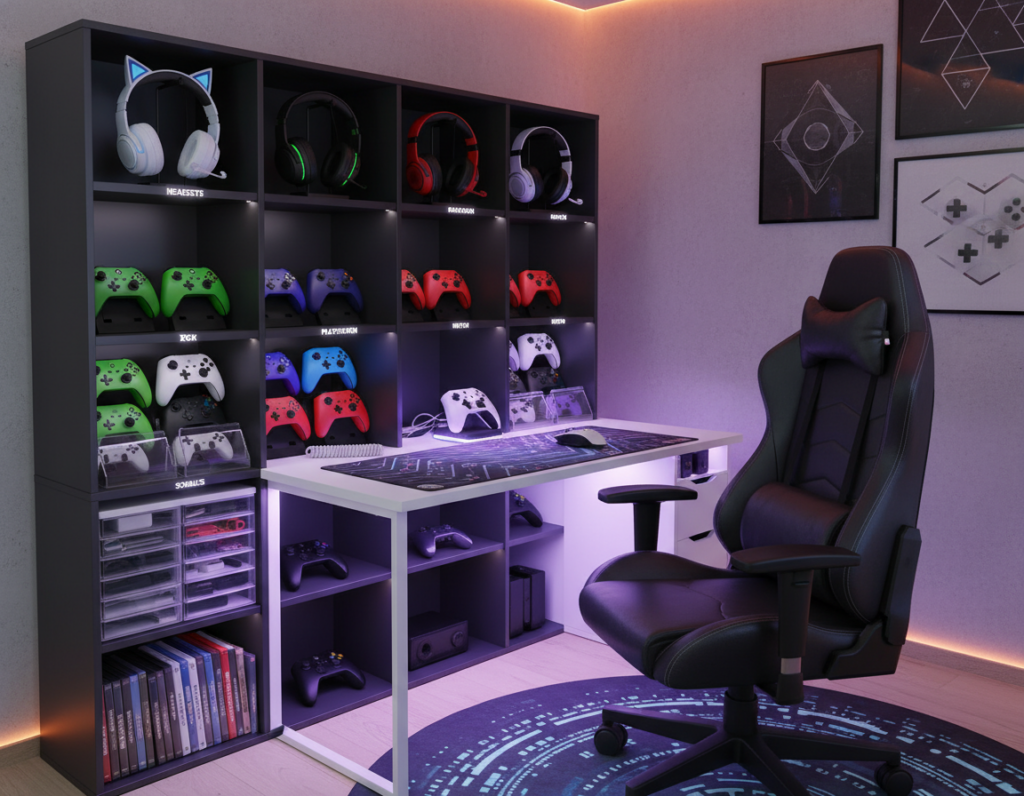
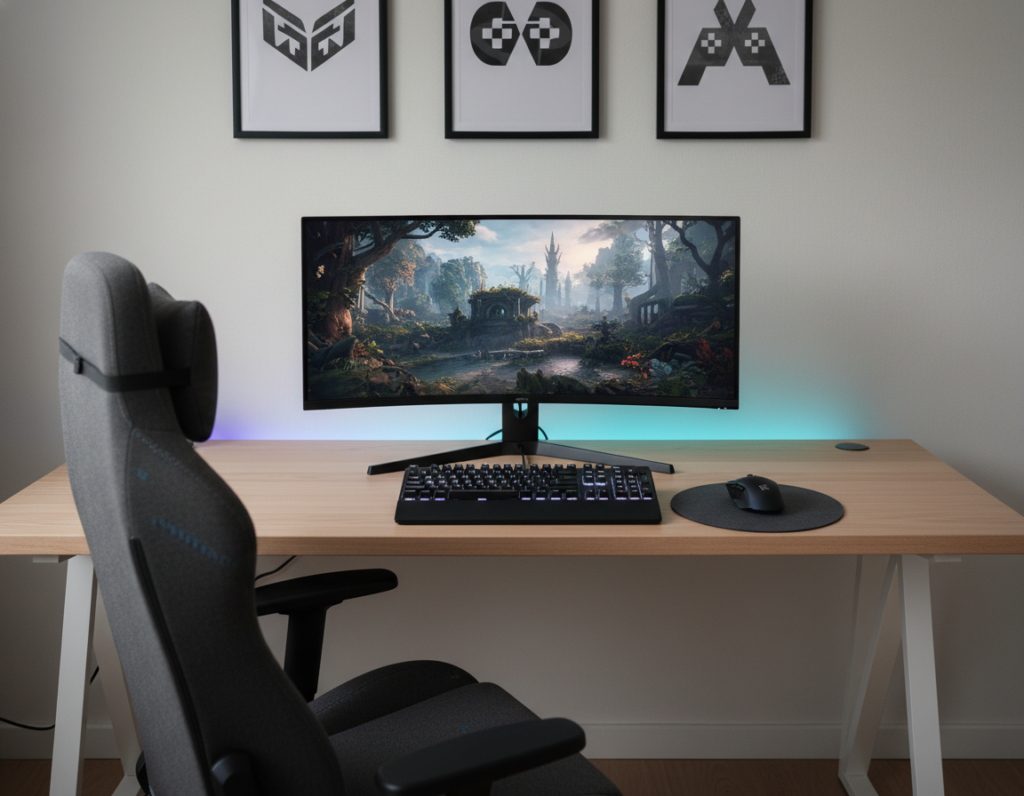
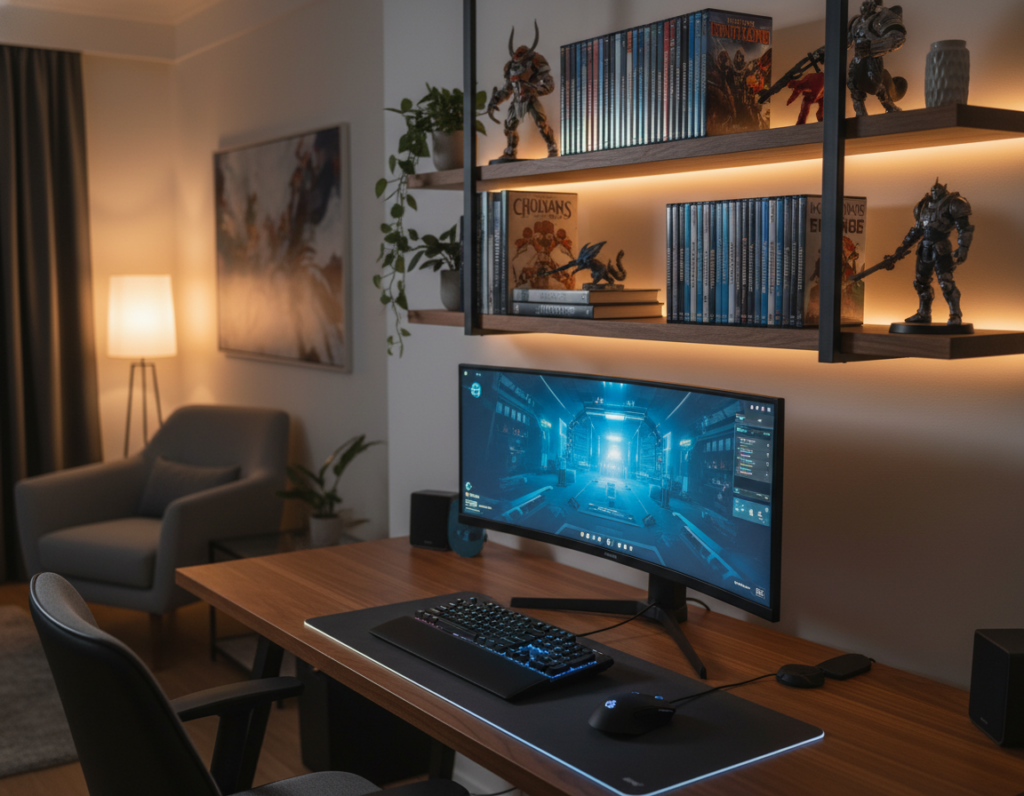
Many overheating issues begin long before parts fail. Placing a computer on thick carpet or in a cramped corner can block bottom intake vents and trap hot air. This forces fans to run faster and raises temperatures in the case.
Good desk placement is a simple, high-impact choice. It ensures the front panel pulls in fresh air, the top and bottom vents stay clear, and exhaust paths are not restricted. Proper spacing reduces dust buildup and lowers noise levels from overworked fans.
Size and fan speed matter for performance, but location is a key factor too. Managing cable routing inside the case and keeping filters clean helps maintain steady pressure and intake. When temperatures climb, they should first check whether the system has enough room to breathe and make sure vents are unobstructed.
The Impact of Desk Placement on PC Airflow Setup
Placing cases near walls or under desks can block intake paths and starve components of cool air. This restriction lets hot air pool and forces fans to spin faster, which raises temperatures and noise.
The Fractal Design Meshify C shows how a mesh front panel helps. During intense gaming sessions it lets a larger volume of cool air reach the CPU and GPU. Ensure intake fans are free of cable obstructions to get the full benefit.
Balance matters: match intake fans with exhaust fans so air moves in one clear path across heat-generating components. Place exhaust fans at the top to pull rising hot air out of the case.
- Keep dust filters clean when desk placement pulls air from dusty zones.
- Prevent intake and exhaust fans from fighting; that turbulence reduces cooling.
- Maintain slight positive pressure to limit dust entry through unfiltered gaps.
Understanding Fan Specifications and Performance
Matching fan ratings to your case mounts and thermal demands ensures steady cooling without excess noise. This section explains the key specs to check so readers can choose effective case fans.
CFM and Noise Levels
CFM stands for Cubic Feet per Minute and measures how much air a fan moves in one minute. Higher CFM usually improves cooling performance, but it can raise noise levels.
Decibels quantify noise; aim for fans that balance high CFM with low dB for quieter operation. Noctua NF-F12 120mm units are a common choice because they offer strong CFM with modest noise.
Fan Size and Connectivity
Most modern cases support 120mm and 140mm fans. Size must match mounting points or adapters are needed.
- Check RPM ratings—speed is a major factor in how much air is moved.
- Verify motherboard support for 4-pin PWM to control fan speed precisely.
- A high-performance exhaust fan is vital for pulling hot air out, especially with a mesh front panel.
Mastering Internal Air Pressure Dynamics
Small shifts in intake and exhaust balance can stop hot air from pooling around key parts. A slightly positive pressure inside case forces air out of gaps and reduces dust ingress. This keeps components cleaner and helps cooling performance.
During intense gaming sessions the system produces more heat. Ensure intake fans provide more cool air than exhaust fans remove. That simple bias lowers temperatures and prevents hot air from stagnating near the CPU and GPU.
Top-mounted exhaust fans are strategic because hot air rises. Place exhaust fans at the top to pull warm air away quickly and maintain steady pressure inside case.
“A slight positive pressure is often easier to maintain and helps keep dust out while improving thermal stability.”
- Prioritize intake > exhaust for positive pressure.
- Orient fans so cool air reaches components before it exits.
- Monitor temperatures during heavy loads to confirm performance.
Strategic Fan Orientation and Placement
Correct fan orientation turns scattered air movement into a focused path that cools key parts. This section shows how to spot intake and exhaust sides, tame cable clutter, and consider liquid cooling details to avoid trapped hot air.
Identifying Intake and Exhaust
Most fans have small arrows on the frame that show blade rotation and airflow direction. Follow those arrows to align intake fans at the front panel and exhaust fans at the rear or top.
If only one exhaust fan is available, place it at the top rear to pull hot air up and out effectively.
Managing Cable Obstructions
Messy cables block cool air and lower performance. Route wires behind the motherboard tray and use ties to keep them clear of the main flow.
Clean filters regularly so intake fans keep their speed and efficiency while dust is kept in check.
Liquid Cooling Considerations
When installing an AIO, position tubing at the bottom of the radiator to prevent air from getting trapped in the pump. This prevents noise and preserves pump life.
“Orient fans to create a clear path from front to back and top—consistency beats guesswork.”
For a standard five-fan layout, use three intake fans at the front, one exhaust fan at the rear, and one exhaust fan at the top to maintain slightly positive pressure inside case and steady cooling.
For more detailed guidance on case fans and performance, consult this case fans guide.
Selecting the Right Case for Optimal Cooling
Choosing the right case sets the foundation for steady cooling and long component life.
The Fractal Design Meshify C proves a mesh front panel improves cooling performance by letting cool air reach components faster. Cases with solid front panels often run hotter, so buyers should weigh noise levels against raw ventilation.
The Antec P101 Silent shows a different approach: side gaps let air in while dampening sound. For budget builds, the Fractal Design Focus G includes two fans and dust filters to keep parts cleaner and temperatures lower.
- Space for parts: make sure there is room for the CPU cooler and GPU and for multiple fan mounts.
- Minimum fans: at least one intake and one exhaust fan to prevent hot air from pooling inside case.
- Filters and maintenance: dust filters are essential to stop dust from clogging fans and reducing cooling performance.
- Top exhaust: a top exhaust fan helps pull rising warm air out of the case quickly.
In short, choose a well-ventilated case with the right size and filters to keep temperatures down and noise manageable.
Conclusion
Balancing intake and exhaust choices is often the quickest way to tame hot zones inside a case. They should use at least two case fans in a front-intake and rear-exhaust layout to start. This simple arrangement improves cooling performance and reduces noise.
Regularly clean dust filters and check fan bearings. Good cable routing helps the air from intake fans reach the CPU and GPU without obstruction.
Choose a case with a breathable front panel and plan pressure inside case so hot air leaves through an exhaust fan and does not linger inside case. These steps keep the system cooler, quieter, and longer-lived.