Many professionals now adapt living areas into efficient work zones. With 16% of companies fully remote and 77% of remote workers reporting higher productivity, designing a clear setup matters. A compact work from home space can match traditional offices when done right.
They can use simple tools and a smart setup to cut distractions. Practical tips help keep tasks on track and preserve boundaries between personal life and office duty.
Managers expect this trend to grow—about 85% believe teams with remote workers will become standard. That shift makes it vital to plan a small, functional area that supports focus and steady productivity.
Assessing Your Available Living Area
Begin by scanning the living area to find a quiet corner that can hold a desk and essential gear. A small, dedicated home office section helps set clear boundaries between professional and personal life.
Use simple markers to make the zone obvious. Brianne Huntsman of Knack used painters tape to section off part of the living room. That visual cue helps family members respect the workspace.
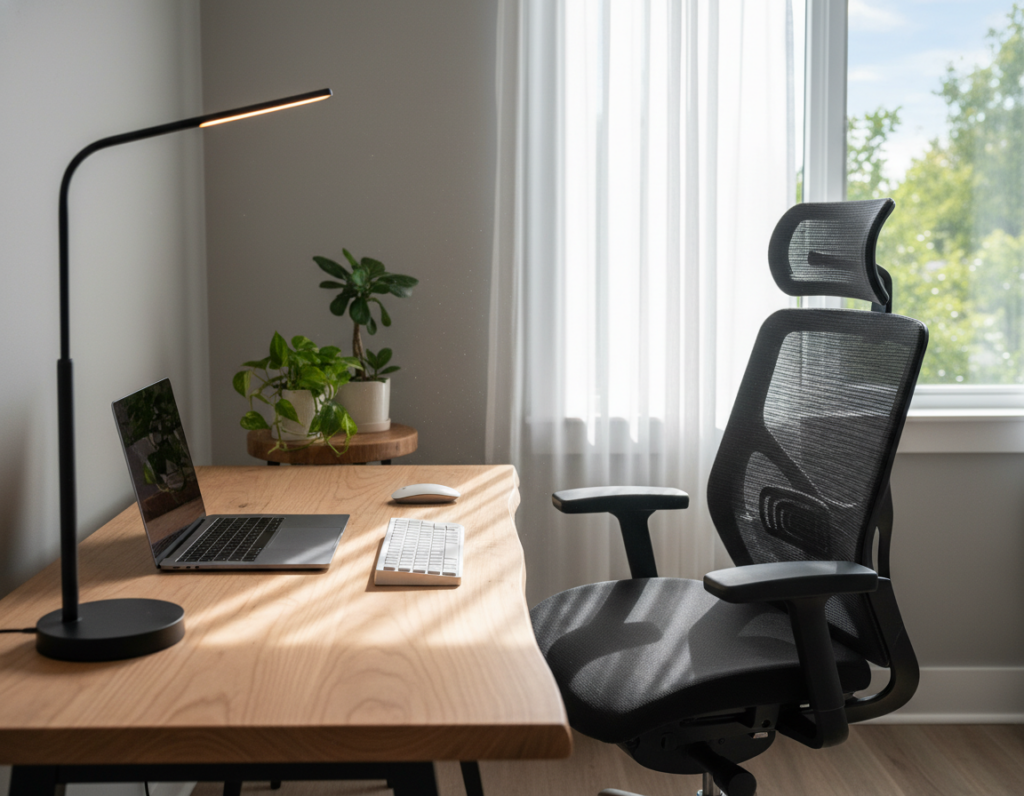
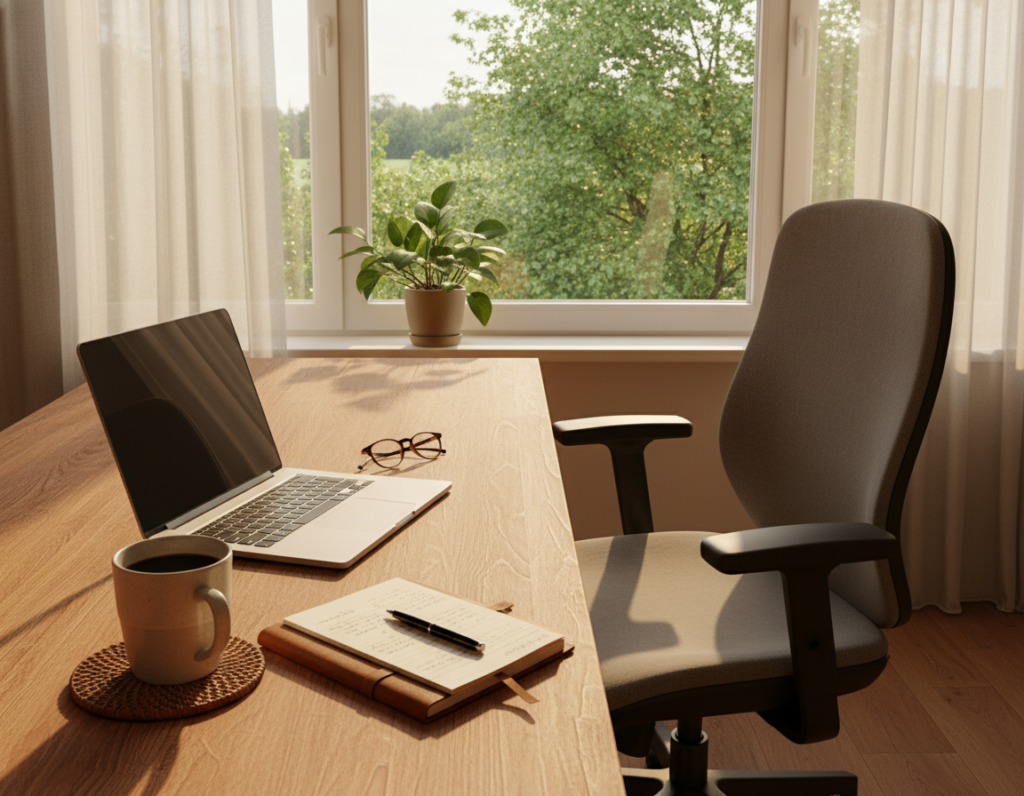
Place the desk near a window to gain natural light. Bright, even light boosts mood and productivity during the day.
- Find a low-traffic corner in any room to serve as your office area.
- Avoid the kitchen table as a permanent station; it invites interruptions and extra distractions.
- Plan storage so equipment is organized and the living room stays uncluttered.
“Creating a distinct environment for work helps separate professional life from personal life, even in a small home.”
Essential Equipment for Your Work From Home Space
A compact kit of reliable furniture and gear makes a small office feel professional and focused. Proper tools support long days and reduce strain. Start with pieces that match body size and routine.
Choosing the Right Desk
Adjustable desks let people alternate positions to boost energy and efficiency. The SHW Electric Height Adjustable Computer Desk is a popular pick for those who switch between standing and sitting.
Desks with built-in cable channels and under-table shelves tidy cords and add storage without cluttering a shared room.
Selecting Supportive Seating
An ergonomic chair matters more than a cheap table. Taller users report relief with the Built2Last Marathon Series chair because it offers solid lumbar support and height range.
- Invest in a supportive chair to prevent back pain during long shifts.
- Use noise-canceling headphones or a headset to cut background noise during meetings.
- Prioritize task lighting and natural light to maintain productivity.
“The right desk and chair make days easier and improve long-term comfort.”
Ergonomic Considerations for Long-Term Comfort
Good posture and correct screen height cut strain and keep focus across a long day. Ergonomics is not a one-off fix; it shapes how a person feels after hours of tasks and calls.
Optimizing Monitor Height and Eye Strain
Position the monitor slightly above eye level to reduce neck bending and keep energy steady during long video meetings. This small change eases pressure on the neck and improves visual comfort.
The VIVO DESK-V000V Standing Desk Converter offers a bi-level option for users who need a quick shift to standing. It adds support for alternating posture without replacing existing desks.
- Proper ergonomic support such as using a VIVO DESK-V000V Standing Desk Converter can help prevent back pain linked to long hours at a desk.
- Placing the monitor above eye level is a key addition to a modern office setup to lower eye strain on video calls and meetings.
- Maintaining an orderly environment and smart storage reduces clutter and helps sustain focus and productivity.
- Adjusting chair and desk height takes only a little time but makes it possible to stay comfortable all day.
- Good lighting, including LED options for night tasks, prevents eye fatigue and keeps efficiency high.
Prioritize ergonomics to protect the back and overall health. For a practical checklist and extra tips, see the working-from-home ergonomics checklist.
Strategies for Maintaining Focus and Boundaries
Maintaining focus in a compact living area starts with predictable rhythms and clear limits.
Establishing a Daily Routine
They should build a simple routine that marks the start and end of each day. A fixed morning ritual and a consistent end-of-day step signals the brain to switch modes.
Dedicate blocks of time for focused tasks and for meetings. Rory Sutherland recommends grouping video calls into specific blocks to cut switching costs and protect deep focus.
Managing Household Distractions
Use noise-canceling headphones during important calls to limit interruptions. Keep the desk tidy and set visible cues—like a closed door or a lamp—to show when someone should not be disturbed.
- Choose a quiet area in the living room or bedroom for the primary office setup.
- Take a 10-minute walk at lunch to hit CDC targets and refresh energy.
- Keep essential tools and good lighting near the desk to reduce trips and delays.
Setting Clear Work Hours
Set firm hours and share them with household members. Clear boundaries help preserve a healthy work-life balance and make it easier to disconnect at the end of the day.
“Establish a strict daily routine to prevent professional tasks from blurring into personal life.”
Creative Layout Ideas for Small Footprints
Smart layout choices transform narrow nooks into productive areas without changing the whole room. They help keep a professional office feel while fitting into the existing home design.
A clever option is converting the area under a staircase into a compact workspace. A built-in desk and shelves make excellent use of vertical storage and reduce clutter.
Apply chalkboard paint to one wall as a flexible backdrop. It works as a meeting board and a visual planner for the day. This simple addition supports creativity and reduces paper notes.
Place a small desk near a window to capture natural light. Studies show natural light boosts mood and productivity in tight layouts. A hideaway table or a standing desk converter offers tidy, distraction-free solutions.
- Built-in shelves maximize vertical room and hide supplies.
- Compact tables keep a professional setup without using the main living area.
- Use a standing converter as a flexible addition to reduce long sitting periods.
“Small adjustments like vertical storage and natural light transform cramped corners into focused environments.”
Leveraging Technology for Seamless Connectivity
Reliable connectivity and cloud services turn a small desk into a full-featured collaboration hub. A steady internet connection and the right apps keep teams aligned and reduce interruptions during calls.
Utilizing Cloud Tools for Collaboration
Google Workspace and Dropbox make files available no matter where someone sits. They simplify sharing, version control, and cloud storage so the team can focus on tasks, not file hunts.
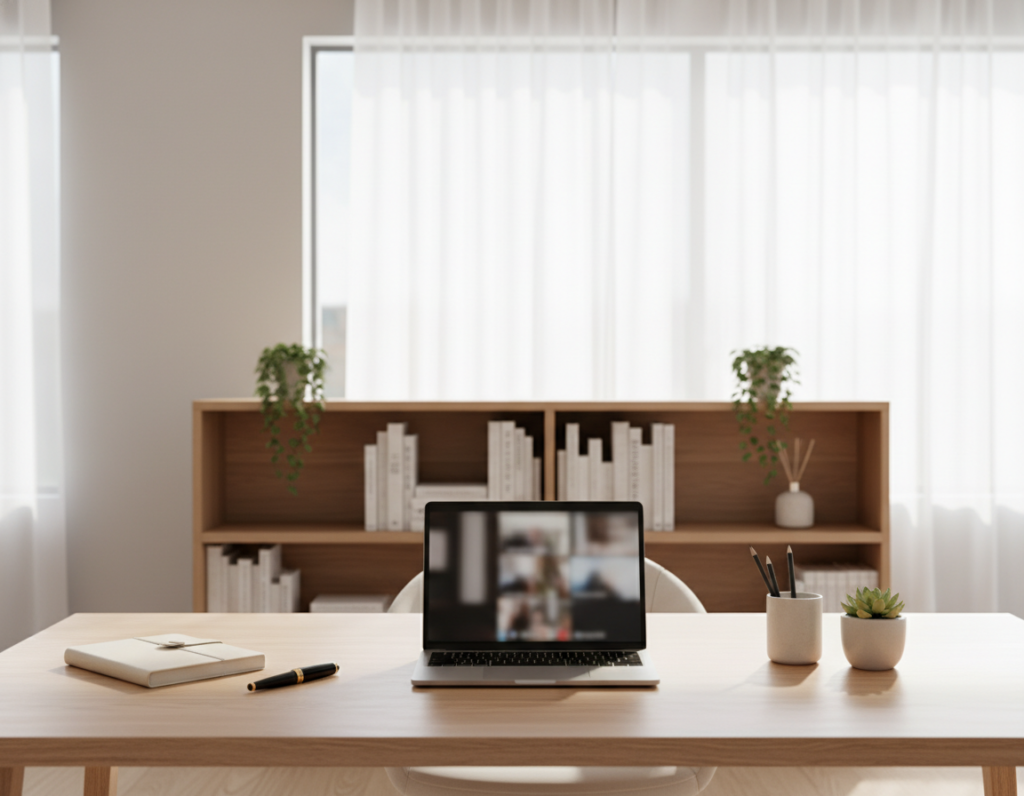
Hardware also matters. The Meeting Owl 3 is a smart camera that helps remote participants feel present in hybrid meetings. It captures the room and highlights speakers to improve engagement.
- Use cloud-based apps to keep documents organized and accessible.
- Choose a reliable router and test connection before important meetings and calls.
- Make digital tools part of the daily routine to boost productivity and efficiency.
“Seamless connectivity depends on the right mix of cloud services, solid internet, and simple routines.”
Conclusion
A practical routine and small upgrades make any corner serve a daily office role. A thoughtful home office blends ergonomic tools, a solid desk, a good chair, and neat shelves to support focus and productivity.
By using these tips and clear boundaries, someone can succeed at working home without a separate room. They should set firm hours, protect their back with proper gear, and keep storage tidy to save time.
Maintaining work-life balance is an ongoing task. Try new solutions, revise the routine often, and treat the area as a dedicated room for tasks. With the right tools and mindset, each day can feel organized and balanced.