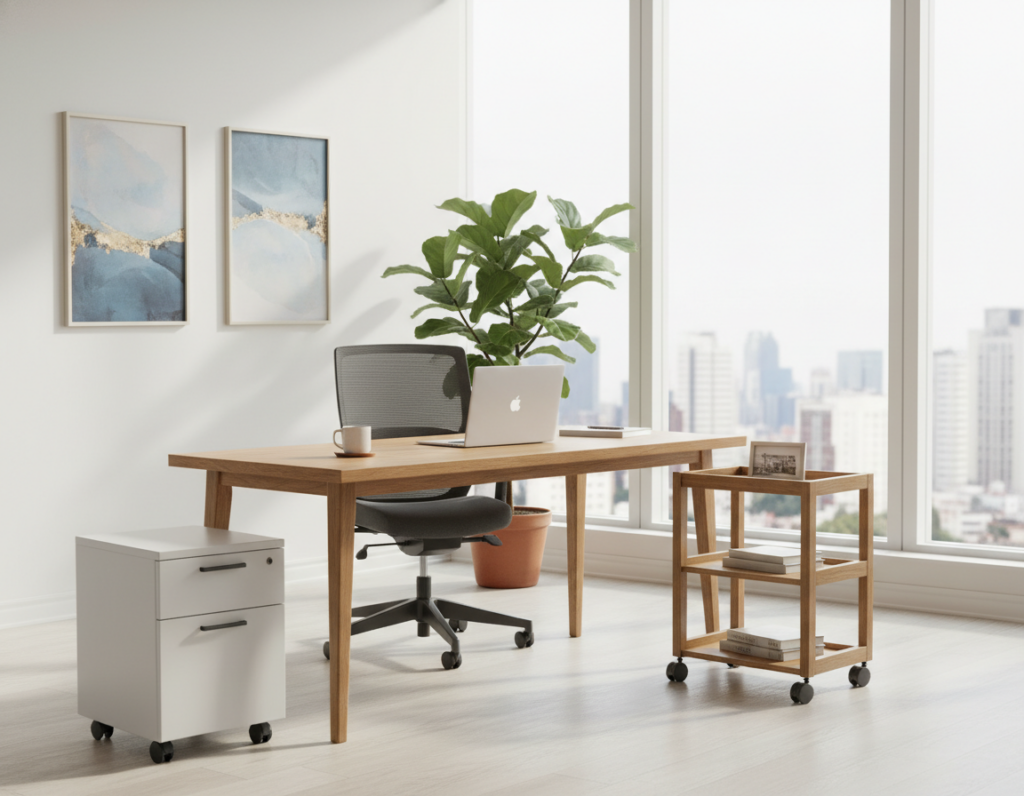
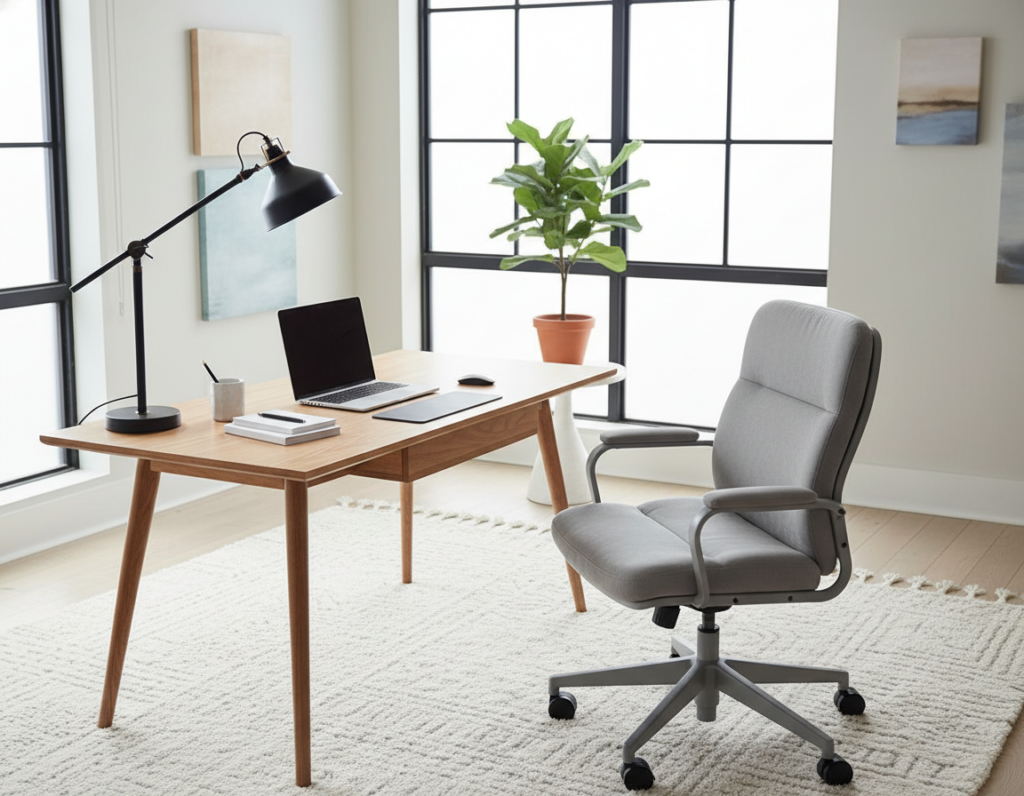
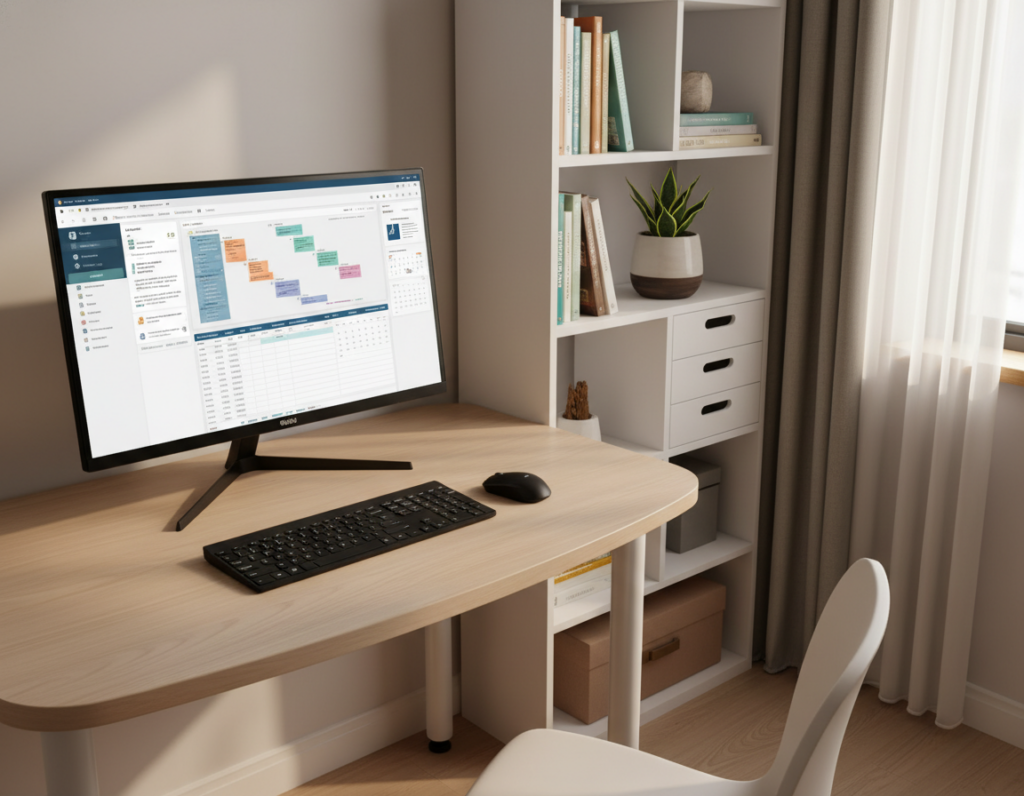
Small work areas can feel limiting, but simple changes make a big difference. Implementing vertical desk storage can free surface space and cut visual clutter quickly.
Professionals often reclaim room that once held scattered documents and loose supplies. The result is a cleaner workspace that supports focus and smoother task flow.
The guide helps the reader learn practical hardware choices and organizing methods. It highlights how a clutter-free setup boosts productivity across a typical eight-hour workday.
Expect clear steps and real-world tips to maximize every square inch of a professional environment. The tone stays practical and direct to help readers act fast.
The Challenge of Limited Office Space
When space is scarce, one poorly organized drawer can slow an entire day. Small offices need careful planning so every piece of storage fits without blocking movement.
Office file organizers are essential tools for a productive workspace. Choosing the right organizer means weighing features against the price and the real needs of the team.
Compare options before buying. The price of quality items varies a lot, so look at durability, capacity, and size. A single drawer often becomes a catch-all, hiding important papers and supplies when pressure rises.
- Plan layouts to keep pathways clear.
- Assign one purpose per drawer to reduce clutter.
- Balance price and performance for long-term value.
Efficient desk management is the first step to a professional environment that boosts focus and career growth. Small choices now prevent wasted time later.
Understanding Vertical Desk Storage Solutions
Smart use of unused space near a workstation can turn chaos into a tidy, efficient workflow.
Defining the concept
Vertical storage means using the area above or beneath the work surface to hold files and tools. It moves items off the top of the table so the primary work area stays clear.
Common configurations
- Wall-mounted file racks that keep papers visible and reachable.
- Stackable tray systems for sorting in-basket items and active projects.
- Under-surface units and small drawer attachments that tuck away supplies.
- The Onyx™ Model #3243BL organizer is a horizontal hanging solution. It fastens to surfaces up to 1 ¾” thick and offers three vertical sections sized for standard letter documents.
When judging price, compare compartment count and build quality. A cheap document holder may cost less up front but fail sooner.
Choosing the right option—hanging or stackable—keeps the work surface free and helps office organizers maintain focus.
Benefits of Going Vertical for Productivity
Shifting files off the main work surface speeds retrieval and cuts wasted minutes each day. When essential documents sit within arm’s reach, teams move faster and interruptions fall sharply.
A cleaner work area improves focus. Studies show that a tidy environment lowers stress and helps people concentrate. That clarity often leads to better decisions and fewer mistakes.
Investment matters: the initial price of ergonomic organizers can seem high. However, many employers see long-term returns through faster workflows and higher morale.
“Easy access to active projects reduces search time and supports creative work.”
Comparing the price of different systems helps managers pick the most cost-effective option. Thoughtful choices free surface area for creative tasks and make the workplace more dynamic.
- Keep key files close to cut retrieval time.
- Choose solutions that balance cost and durability.
- Clear surfaces encourage focused, creative work.
Evaluating Material Durability and Design
Choosing the right materials determines how long an organizer will serve daily office demands. Durability, finish, and design all affect long-term value and user satisfaction.
Metal Mesh Options
Metal mesh units with a steel base and powder coat finish resist dents and rust. They suit heavy-duty use and frequent handling.
Pros: long lifespan, sturdy support, low maintenance.
Plastic Durability
High-grade plastic offers lightweight convenience and lower price. However, thin plastics may crack under heavy loads.
Tip: When buying boxes or accessories, inspect wall thickness and seam quality to avoid early failure.
Wood Aesthetics
Wood finishes add warmth and a professional look. Quality wood or veneer blends durability with style for visible areas.
Choosing a durable organizer prevents repeated replacement. That saves money and reduces waste for the company over time.
- Steel mesh often outlasts cheaper plastic alternatives.
- Match material choice to use case and budget.
- The price of a document holder usually reflects the build quality and finish.
Assessing Your Desk Surface Compatibility
A quick compatibility check can save time and money when adding hanging organizers to a workstation.
Before purchasing any clamp or hanging unit, verify the tabletop thickness. The Onyx™ unit attaches to surfaces up to 1 ¾”. If your desk edge is thicker, standard clamps will not fit.
Measure both depth and width of the top so the add-on will not block legroom or interfere with chair movement. Some models require a certain overhang or flat edge to mount securely.
Consider the total price when budgeting. Specialized mounting hardware can raise the cost, so include clamps and reinforcing pads in the plan.
- Check for metal frames or beveled edges that may prevent a secure clamp.
- Confirm clearance under the surface to avoid knee or cable conflicts.
- Invest in a table that supports multiple mounting options for future upgrades.
Choosing Between Hanging and Stackable Organizers
Selecting either a hanging or a stackable system begins with how people work, not just with what fits. The right pick reduces search time and keeps projects visible or neatly filed away.
Comparing Hanging vs Stackable
Hanging organizers free the main surface and put active files within reach. They suit teams that need quick access to letter-sized documents and current projects.
Stackable tray setups work well inside a deep drawer or on a shelf. They keep archived papers tidy and out of sight when long-term filing is the goal.
- Hanging units free surface area and help maintain a clutter-free workflow.
- Stackable trays organize layers of work and fit inside a drawer for hidden order.
- Compare price by adding installation needs and mobility—portable trays cost less to move.
- A wall holder keeps active projects visible; a tray system favors long-term filing.
- Consider whether the team prefers items in plain sight or stored in a drawer.
Incorporating Privacy and Security Features
Securing sensitive paperwork is as much about policy as it is about the physical hardware chosen.
Maintaining privacy for confidential documents is essential in shared or open-plan work areas. Teams should treat privacy as a core part of any office security policy.
When selecting units, look for clear locking mechanisms. Lockable compartments and privacy screens help staff meet internal data protection rules.
“The cost of a data breach far outweighs the upfront investment in locked units and proper procedures.”
It is true that the price of secure options is often higher. However, the long-term savings from avoided fines and lost trust justify that price.
- Choose lockable drawer units for client or financial files.
- Install privacy screens where screens or papers are visible to passersby.
- Review your organization’s security policy before buying to ensure compliance.
Maximizing Underdesk Storage Potential
Under-desk zones often hide useful real estate that can hold files and tools within easy reach. Using this area keeps the main surface clear and reduces visual clutter.
Utilizing Underdesk Space
The Onyx™ unit, measuring 13.50W x 16.50D x 11.00H, fits neatly beneath most standard worktops. It acts as a compact organizer that accepts letter-sized files, pens, and small supplies.
A well-placed drawer or under-desk unit turns unused space into active capacity. This approach frees tabletop room for focused work and display items.
Managing Cables
Keep cables bundled and routed along the same plane as the under unit. Cable sleeves or clips prevent tangles and make cleaning easier.
- Use a clamp-on channel to separate power cords from paper areas.
- A tidy drawer arrangement reduces trips to a tangled cable nest.
- Price is typically affordable for these add-ons, so small investments deliver big gains.
Selecting the Right Letter Tray and Document Holders
Sort mail and current files at the point of arrival to prevent piles from forming on critical work surfaces. A high-quality letter tray acts as the first filter for incoming items and active projects.
When choosing a document holder, confirm it fits standard letter papers to avoid bending or damage. Size matters: correct dimensions protect documents and speed retrieval.
Using several small organizers lets teams categorize work by priority or project. This method reduces search time and keeps every file with a clear home.
- Tip: Use a tray for new mail, a holder for urgent items, and boxes for archived files.
- Multiple organizers encourage routine filing and fewer desktop piles.
- The Onyx™ system includes three under sections that function as a refined letter tray for letter-size folders and files.
Proper document management prevents paper accumulation and ensures each important file has a designated place. That clarity supports faster work and less daily friction.
Considering Ergonomics in Your Setup
Small adjustments to file placement can cut repetitive motions and lower fatigue. Thoughtful layout helps people move smoothly between sitting and standing without hunting for essentials.
Sit-Stand Integration
Integrating an organizer into a sit-stand system means choosing hardware that moves with the work surface. If the unit stays fixed, it will create awkward reaches at different heights.
Ensure the under-desk drawer or file module clears the mechanism and never blocks adjustment. Test the setup at multiple heights before final mounting.
The price of ergonomic accessories often reflects build quality and compatibility. Investing a bit more now can reduce strain and missed work days later.
- Pick moving clamps or rail mounts that stay aligned with the surface.
- Confirm a reachable letter organizer position for both sitting and standing.
- Check that the chosen price fits long-term comfort and workflow needs.
Budgeting for Quality Office Accessories
A clear budget helps teams buy office accessories that last instead of needing constant replacement. Planning prevents impulse buys and focuses funds on items that improve daily work.
The Onyx™ 3243BL ships at 6.60 lbs, showing it is built to be durable while remaining portable. Considering shipping weight helps assess build strength and long-term value.
Balance the price of single items with total program cost. A higher up-front price often saves money over time by avoiding repeat purchases. Compare brands to verify you get the best combination of features and longevity.
- Factor in replacement frequency when judging the price of similar items.
- Invest in quality boxes and organizers to reduce long-term waste and cost.
- Prioritize essential pieces like letter holders and other key organizers that directly boost output.
Installation Tips for Secure Mounting
Tight, protected fasteners make the difference between a steady holder and a risky install. Start by confirming the tabletop thickness: the Onyx™ unit attaches to surfaces up to 1 ¾”. This ensures the clamp will seat correctly without forcing adjustments.
Always use the supplied rubber-headed tightening screws. They protect the finish and lock the organizer firmly in place. Hand-tighten, then give a final quarter turn with the provided wrench to avoid overtightening.
Balance matters. Check that a drawer or hanging module sits level when empty and again with heavy letter-sized files loaded. If it tilts, re-seat the clamps or add a thin shim per the instructions.
The price of professional installation tools is low compared to repair costs. Spending a few dollars on the right pads and a quality screwdriver prevents scuffs and future accidents.
- Follow the manufacturer’s steps for model 3243BL for guaranteed fit.
- Test movement and clearance before final tightening.
- Keep the mounting area clean to avoid slips and misalignment.
When installed correctly, the organizer delivers stable, long-lasting use. A careful install now lowers long-term price and upkeep while protecting the work surface and the holder.
Maintaining a Clutter-Free Environment
A weekly check of active folders prevents a single cluttered pile from derailing an entire week. Small, scheduled reviews make it simple to sort what stays and what goes.
Keep a consistent system for using your storage boxes, wall files, and stackable organizers. Label each container so team members return items to the right place without guessing.
Have one routine for the main drawer and another for open shelves. A quick five-minute sweep each Friday clears loose papers and resets priorities.
The true price of staying organized is time, not equipment. Investing minutes each day keeps accessories and documents from becoming a hidden task later.
“A tidy environment is the foundation of a productive office.”
- Use a letter tray for incoming work and a small box for receipts.
- Rotate items in the drawer so active files stay accessible.
- Mix hanging units and trays to match how people work, not just how items fit.
Conclusion
Smart choices about where to place files and tools reduce interruptions and speed tasks. Invest in quality organizers, proper mounting hardware, and clear routines, and the team will see durable gains.
By applying the solutions in this guide, the reader can maximize limited office space and keep work areas neat. A clutter-free desk is essential for sustained focus and daily productivity.
Start by evaluating the current setup and prioritizing upgrades that deliver the best return. For more compact-space ideas, explore how to maximize space in tight rooms.
Take action, and transform a crowded area into a stable, efficient workspace that supports work all week long.