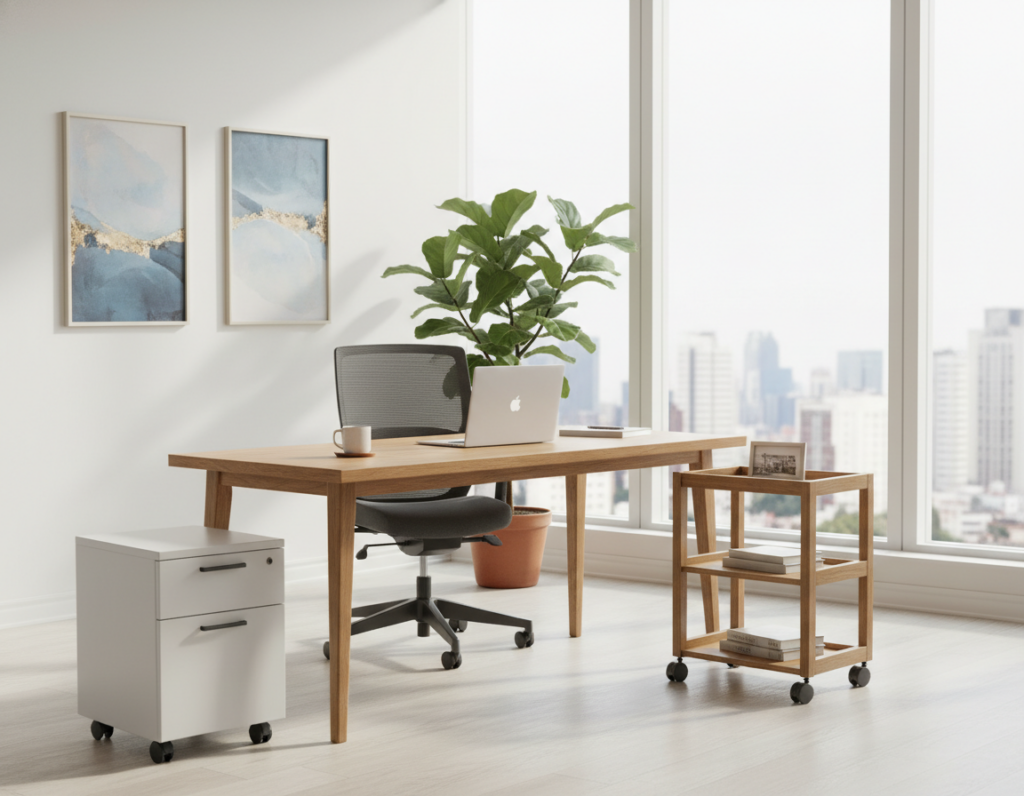
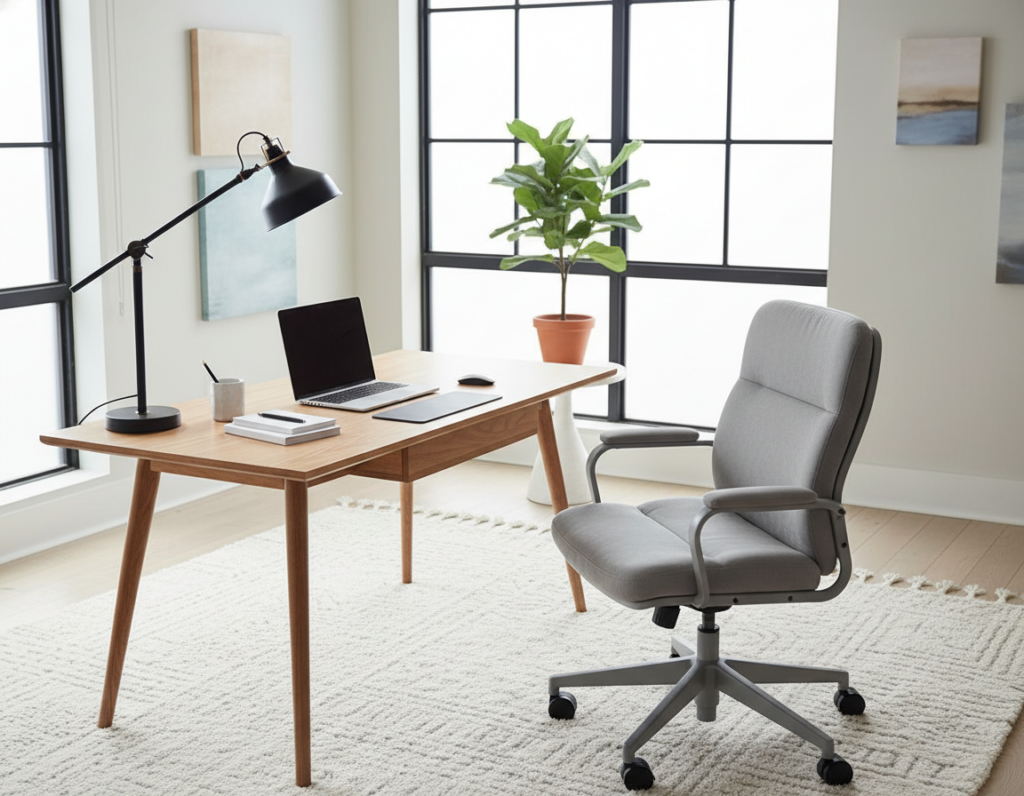
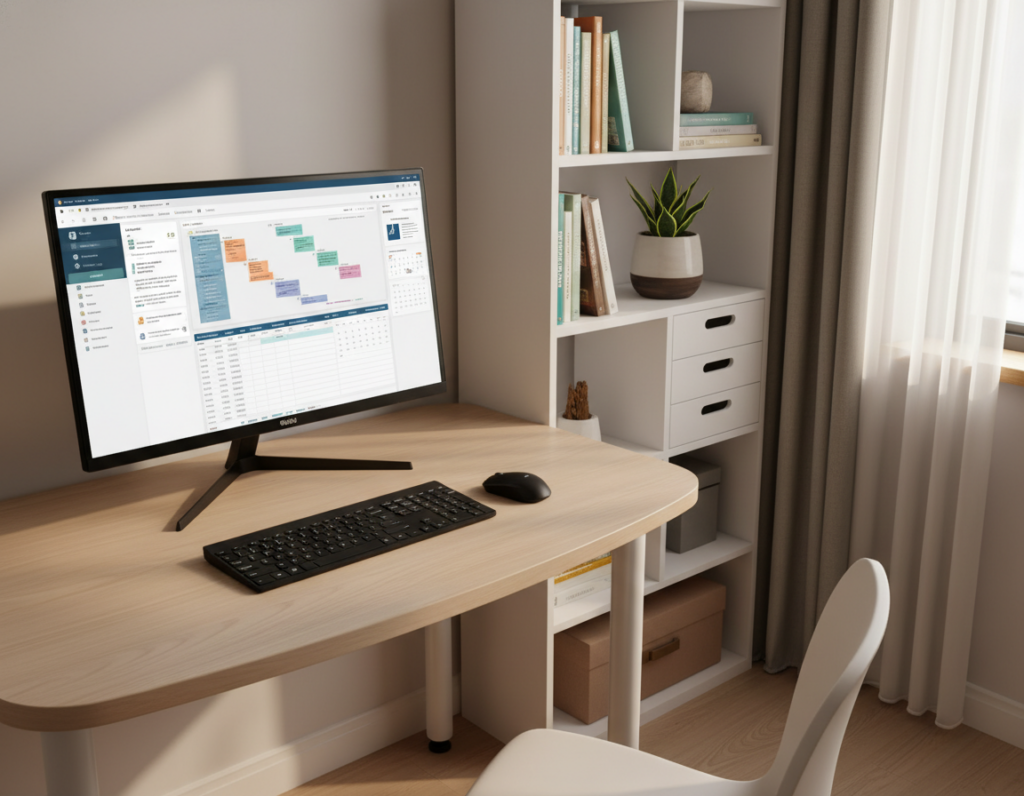
One in five workers now works remotely, so turning part of a home into a functional office is more common than ever. When two people share an area, a simple shared room desk setup can make or break productivity.
Creating separate zones helps people stay focused and reduces interruptions. They should plan light, storage, and furniture so each person has a clear boundary and a comfortable place to work.
Design choices matter: ergonomic desks, compact storage, and good natural light all improve the working home experience. Early evaluation of desk and storage needs prevents clutter and keeps the space professional.
With thoughtful layout and clear rules, a shared home office can support two productive routines. The right plan turns a tight room into an efficient office that fits daily life and work demands.
Assessing Your Shared Room Desk Setup Needs
Start by clarifying what each person needs from the space so tasks do not overlap. This helps set realistic goals for a productive home office and avoids daily friction.
Defining Workspace Goals
They should decide whether the office will host light admin, part-time gigs, or full-time professional work. Clear goals reveal how much storage and which tech each person requires.
Measuring Available Floor Space
Measure the floor and sketch a simple plan. Make sure to leave circulation paths and room for two desks and filing units.
- Measure twice, place desks where light and outlets match tasks.
- Use the Leitz Cosy range (yellow, blue, black) to create visual zones and meet storage needs.
- Plan an arrangement that gives each person a clear place and enough space to work without interruptions.
Strategic Layout and Spatial Planning
A deliberate furniture plan turns tight quarters into a productive, professional work area. Thoughtful placement makes the most of floor space and helps two people stay focused without stepping on each other’s routines.
Placing two desks back-to-back is a smart option. It lets people hyper-focus while keeping the room open. Alternatively, facing the wall creates a distraction-free home office that maximizes available floor area.
A well-planned layout ensures enough space to move around and keeps circulation paths clear. Consider a bookcase or filing cabinet against the wall to act as shared storage and a visual divider.
- Back-to-back desks: privacy with proximity for collaboration.
- Wall-facing stations: save floor space and cut distractions.
- Central storage: a cabinet or shelf keeps supplies organized.
By arranging two desks thoughtfully, a shared home transforms into an organized, professional office. For layout inspiration and precise ideas, review these two-person desk ideas.
Selecting Ergonomic Office Furniture
Ergonomic choices shape how comfortably two people can spend long hours working at home. The right pieces balance posture support, motion, and storage so the office performs well for daily tasks.
Choosing the Right Desk Style
If they’re looking for a compact solution, a writing desk fits tight spaces and keeps an efficient footprint. For more surface area, an l-shaped desk provides room for dual monitors and paperwork.
The Amish Santa Rosa Work Desk is a solid choice; it includes two pencil drawers and one keyboard drawer for basic storage needs.
Selecting Supportive Chairs
A good desk chair supports long stretches of focused time. The Amish Midland Modern Armless Home Office Chair lets users move and stretch without restriction, which reduces stiffness.
Incorporating Standing Desk Converters
They might need a standing option to cut fatigue. The Amish Freeport Adjustable Standing Desk lets people change height through the day and improve ergonomics.
- Compact pick: writing desk for limited space.
- More surface: l-shaped desk for spread-out work.
- Move more: adjustable standing desk to alternate postures.
- Stay organized: add cabinets to the arrangement for office essentials.
Optimizing Storage for Two People
Smart cabinet choices can turn a cramped area into an organized, productive office. Good storage keeps paperwork accessible and reduces daily friction in a small home office.
Implementing Filing and Cabinet Systems
To optimize a shared home office, make sure filing cabinets hold enough for both people. The Amish Duncan File Cabinet with Three Drawers slides under a desk and saves valuable floor space.
The Amish Craftsman Mission File Cabinet is a stand-alone option. It comes in two, three, or four drawer versions so each person can choose what they’ll need.
- Under-desk storage: place the Duncan unit beneath a desk to free up walking space.
- Standalone cabinets: use the Craftsman Mission to define separate zones for files and supplies.
- Wall storage: add vertical shelves or labeled boxes as an easy way to keep the office neat.
When you shop office furniture, look for systems that fit the available space and support two desks without clutter.
Managing Cables and Technology
Tidy cable runs and smart power choices make an office feel calm and professional. Simple steps keep technology organized and make the home work area easier to use.
They’ll need grommets, cable ties, and a few cable sleeves to route cords under a table or along baseboards. Label chargers and power strips so each person can find their gear fast.
Look for desks with built-in USB charging decks when you shop office furniture. Those ports cut clutter and speed charging without extra adapters.
Install matching desk lamps or a central light to give even illumination. Good light reduces eye strain and keeps the shared home office feeling unified.
- Quick wins: group power cords, tuck excess cable into sleeves, and mount a power strip off the floor.
- Long-term: choose furniture with cable channels or under-surface trays for better storage and fewer surprises when rearranging.
Proper cable management saves time when adding devices and keeps the office professional and distraction-free.
Establishing Shared Office Etiquette
Agreeing on clear, predictable hours makes it easier for both people to get work done. A short, written calendar prevents clashes and sets expectations for noise and shared use.
Coordinating Work Schedules
Make sure each person posts core hours and key meetings. They can block time on a shared calendar or a wall chart so changes are visible at a glance.
This practice helps both people plan calls and deep-focus time without surprise interruptions. It also makes the office feel professional and reliable.
Minimizing Noise Distractions
Establish simple rules for calls and audio. When making longer calls, one option is to move to the table in the dining area to avoid disturbing the other person.
Keeping common areas tidy and returning equipment to its place are important office essentials. Sharing chores like wiping surfaces or emptying trash keeps the space comfortable for everyone.
“Clear rules and communication turn a cramped shared home office into a productive, calm place to work.”
- Coordinate schedules to help both people stay focused.
- Use short noise rules and a visible calendar to reduce friction.
- Agree on simple cleaning duties as part of office essentials.
Conclusion
Smart choices in furniture and habits turn a limited area into a reliable professional space. A well-planned shared home office blends ergonomic gear, clear storage, and simple routines so two people can work without constant friction.
Follow practical tips: agree on core hours, label supplies, and invest in quality filing and chairs. Small upgrades save time and improve comfort over months of use.
Communication and flexibility are as important as physical changes. When partners trade feedback and adjust as needs evolve, the shared home becomes a productive place that supports both work and daily life.