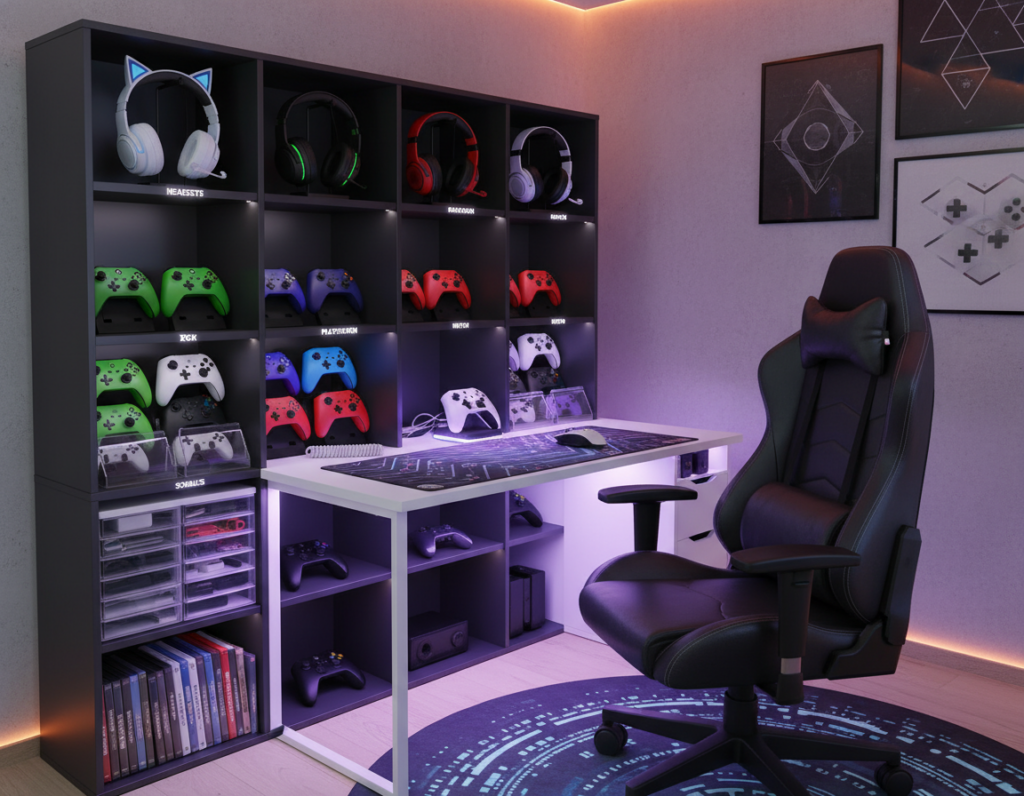
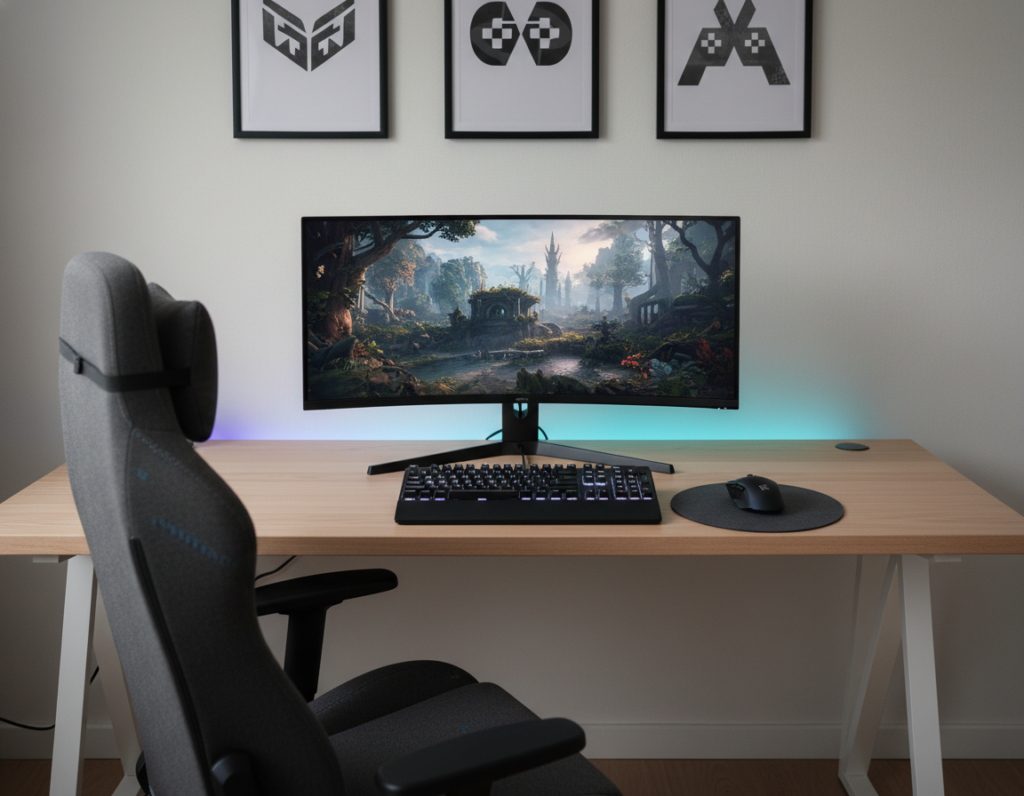
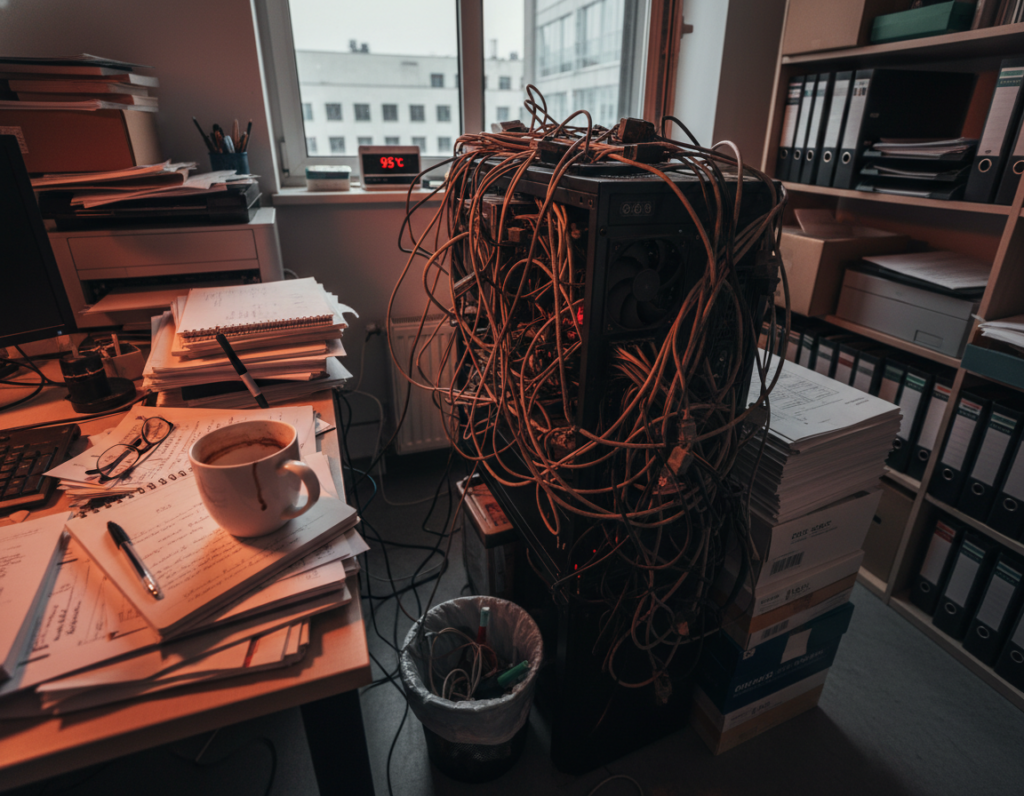
They wanted a tidy gaming space that felt less chaotic and more intentional. After months at home, the living room floor looked like a nest of wires and gear. Simple changes made a big visual difference.
Using sleeves and a clear plan transformed the primary setup into a neat area. With three consoles plugged in, the tangle of cables made cleaning the floor hard and time consuming. The right approach keeps consoles grouped and out of the way.
Good organization improves the look and the user’s focus. Professional-level management does not require pro tools. It just takes a few organized steps to turn chaos into a calm gaming sanctuary.
Key takeaways: Simple sleeves tidy wires. A structured plan keeps the floor clean.
Assessing Your Current Gaming Setup
Start by taking stock of every connection feeding your gaming area. They should count each cable and note where it plugs in. This quick audit reveals which cords are essential and which are excess.
Unplug devices first. That is the safest and clearest way to untangle the system. It also lets people test length and function before rehanging any cords.
Measure how many cables reach the desk, table, and power strip. Many find the floor looks like a forest because they bought cords that are far too long.
- List all equipment and confirm what each cable does.
- Group cables by device so the system is easier to route later.
- Plan paths along the desk legs and behind the table to save floor space.
Small planning saves hours. When a lot of gear is involved, a short assessment sets the way for a clean, professional result.
Essential Tools for Effective Console Cable Management
The right accessories turn a jumble of wires into an organized, reliable system. This section lists tools that simplify routing, protect equipment, and polish the look of a gaming area.
Cable Sleeves and Raceways
Expandable sleeves like Flexo PET stretch to cover large bundles and hide wires along a wall or desk leg.
Delamu raceways blend with molding and offer a neat way to run cords across the room.
Surge Protectors and Power Strips
High-quality surge protectors protect electronics and often include mounting slots to secure a power strip under a desk.
A BlueLounge CableBox is a tidy option for hiding overstuffed protectors and reducing visible clutter in a gaming setup.
Velcro Ties and Clips
Velcro ties and plastic clips keep cables grouped and reduce tangles. They work well for power cords and data lines alike.
Tip: Match colors and features to the home décor to keep the space both functional and attractive. For more top cable tips, see top cable tips.
Preparing Your Space for Organization
Measure twice, route once: that mindset saves time and reduces visible wires. Start by tracing every path from device to outlet. Add about eight inches to each run to allow flexible placement for your gaming setup.
Measuring and Selecting Cable Lengths
Accurate lengths cut clutter. Note the distance along the desk, behind the table, and up the wall to any mounted screen. Account for a recessed TV box or a VMP Multi-Just Flat Panel Flush Mount if the display will sit flush.
Consider a USB hub to limit cords running from the desk to the main system. Choose surge protectors and a properly sized power strip so the area stays safe and tidy.
- Measure paths and add eight extra inches.
- Plan for a recessed box or flush mount when hiding wiring in the wall.
- Use a hub to reduce direct runs and improve routing options.
Final step: pick wire lengths and accessories that match desk height and table placement. This prep makes later installation fast and professional.
Implementing Professional Cable Routing Techniques
A clear routing plan turns a messy desktop into a streamlined workspace. Start by defining fixed paths for power and data runs along walls, desk legs, or behind shelving. A simple map reduces trips and keeps things tidy.
Grouping and Securing Wires
Group bundles with velcro and plastic clips so cables stay together before they enter a sleeve or raceway. Use cable ties sparingly for permanent runs and velcro for flexible setups.
- Keep power and data runs separate for safety and cleaner signals.
- Consolidate peripherals with a USB hub so the desk stays clear.
- Choose wireless options like the Logitech G Pro Series mouse or HyperX headsets to cut cords where possible.
Hiding Excess Slack
Store slack in a cable box or tuck sleeves behind furniture such as a subwoofer or the gaming table. This hides loose lengths and keeps the floor clear.
Pro tip: route surge strips under the desk and secure them out of sight. For quick inspiration, consult the lazy gamer’s guide to cable management.
Conclusion
A tidy gaming area changes how people use and enjoy their gear. Simple steps—right lengths, grouping, and sleeves—turn clutter into a neat, functional space. Using velcro ties, raceways, and surge protectors helps protect equipment and keeps cords out of sight.
Start small: measure runs, group cables behind the desk, and tuck slack along the wall or under the table. A proper power strip placement keeps the floor clear and the system reliable.
With these tips, the setup looks professional and works better. The right options make upkeep fast and let people focus on gaming, not tangles.