Small color accents can shift the mood of a game space instantly. A few well-placed LED strips or subtle task lights change how a setup looks and feels during long sessions. They set tone, reduce glare, and help the player stay focused.
Decorative lighting around screens reduces eye strain and makes extended play more comfortable. Elizabeth Schlaker notes that dynamic colors and color temperature shape the room’s overall ambiance and user comfort.
High CRI strip lights work well to highlight shelves and collectibles while preserving true colors. The best gaming rooms blend four types of lighting to balance function and style, creating a professional look that reflects personal taste.
Key takeaways: Proper illumination boosts comfort, high-CRI strips improve displays, and layered light types make a setup both useful and visually striking.
The Impact of Gaming Room Lighting on Your Setup
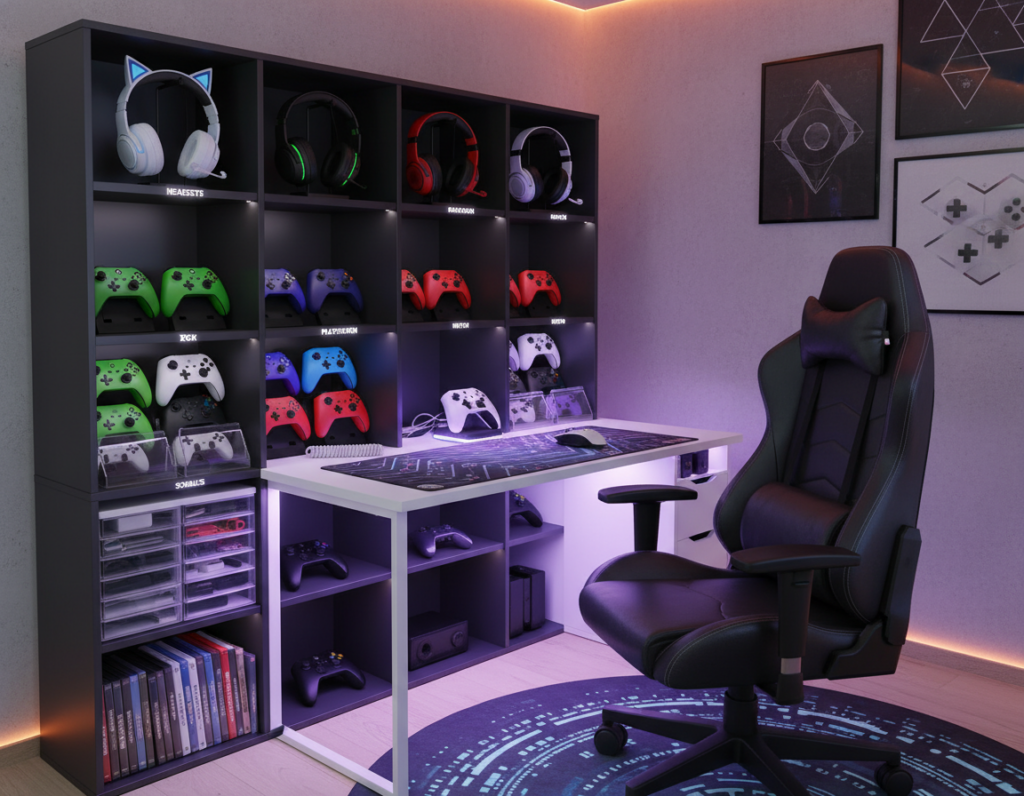
A soft halo of colored light around the ceiling transforms a space from plain to immersive. It changes the atmosphere and helps players focus during long sessions. Ambient overhead fixtures set the base tone, while accent strips add personality and depth.
Smart strips and bulbs give precise control. Users can adjust color, brightness, and effect with a remote or smartphone app. That flexibility makes it easy to shift from calm tones to high-energy hues in seconds.
- LED strip lights around the ceiling perimeter create a steady glow that enhances the gaming experience.
- Remote and app control lets one tweak modes and brightness on the fly for any occasion.
- Smart systems — like the Cync app — deliver one-touch scenes for instant mood changes.
- Layered design, with ambient and task lighting, balances function and atmosphere.
By wrapping ceilings and walls with color and motion, people bring personality to their space. Adding gaming room lights can make the setup feel immersive and transportive.
For a deeper how-to, consult the game room lighting guide.
Essential Types of Lighting for Every Gamer
A thoughtful trio of task, ambient, and accent sources gives control over comfort and style.
Task Zones
Task lighting focuses on work areas like a desk or console. Use adjustable desk lamps or a focused strip to cut glare and boost clarity.
LED options often last around 25,000 hours and cut energy use by up to 75% compared to incandescent bulbs, per the U.S. Department of Energy.
Soft Ambient Sources
Ambient sources set the base atmosphere. Warm tones near 3000K feel gentle on the eyes for long sessions.
Bias lighting that matches a screen’s 6500K can preserve contrast and reduce eye strain during bright scenes.
Accent and Display
Accent lighting highlights shelves, wall decor, and focal pieces. Indirect led strips prevent screen glare while adding depth.
- LED bulbs save energy and last longer.
- Match bias color to screen temperature for best contrast.
- Layering these types balances function and atmosphere for the best gaming experience.
Creative Ways to Use LED Strip Lights
Highlighting shelves and displays turns ordinary storage into a showcase. Small runs of led strip lights can turn ordinary shelves into eye-catching focal points.
- Twinkly Squares sync up to 16 panels per master tile for a layered display that complements shelving and wall decor.
- Flexible LED light sheets cut along segments let one wrap 3D signs or create clean insets for collectibles.
- Wrap an led strip around a floor lamp or run rope lights across shelves to accent edges and highlight prized items.
- Place strips along the monitor stand to brighten a keyboard area and boost the gaming experience.
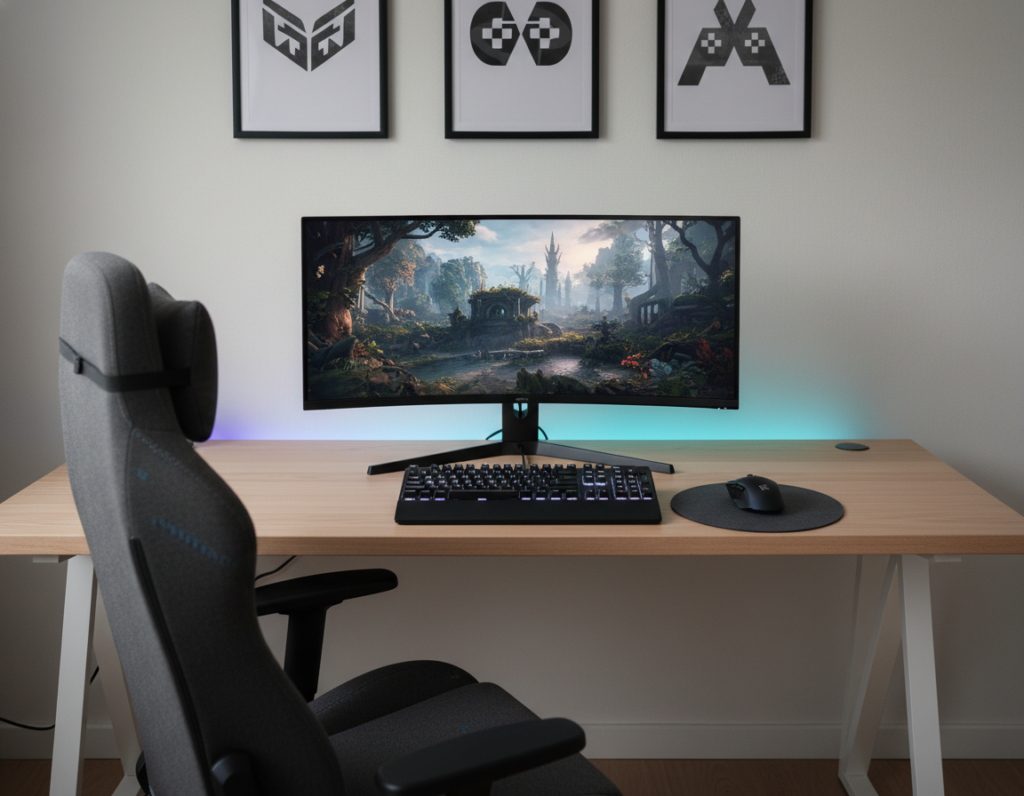
- Install backlighting behind a monitor or TV to add immersive colors without adding glare to screens.
These small touches use led lighting to define zones and bring depth to a space. Task lamps and targeted strips ensure key areas stay functional while looking polished.
Advanced Techniques for an Immersive Gaming Experience
Advanced sync and smart controls can turn a setup into a reactive, immersive space that follows audio and on-screen action. This section shows practical ways to match lights to sound and to integrate automation for a seamless atmosphere.
Syncing Lights with Audio
Audio-driven effects let lights shift with music or in-game sound. The Twinkly Music Dongle plugs into a USB port to make syncing simple and reliable.
Twinkly products also pair with Razer Chroma RGB so colors and effects reflect on-screen events for a richer gaming experience.
Integrating Smart Home Systems
Smart LED light strips and recessed downlights work with Amazon Alexa and Google Assistant for voice control. Ecosystems like MiBoxer and Twinkly + Homey allow custom automations and timed scenes.
Omen Light Studio adds pixel-level control, giving users precise effects across strips and panels. These options let a person set ambient lighting by app or voice for any gameplay session.
- Program flashes and color shifts to follow audio or game cues.
- Use home automations to trigger scenes at set times or events.
- Mix led lighting tools to balance function and atmosphere.
Practical Installation Tips for a Professional Look
A tidy install makes a big visual difference. Mount LED strips in aluminum channels and add a frosted lens. This diffuses glare and creates a smooth, even glow.
Plan placement carefully. Position overhead fixtures and any decorative accents so they do not throw light on the screen. That helps prevent eye strain and preserves contrast for the best game experience.
Manage cables from the start. Run power and signal lines in trunking or behind furniture for a clean look. Good cable routing keeps the space organized and safer.
- Contact Super Bright LEDs at 866-590-3533 for expert installation advice.
- Use channels with frosted covers to diffuse strip lights and reduce hotspots.
- Choose desk lamps and wall decor that complement task and ambient lighting without creating glare.
- Prefer products with remotes or apps so one touch adjusts color and brightness.
Proper installation of led lights and careful layout planning make a setup look polished and perform well in the long term.
Conclusion: Elevating Your Gaming Space
, Right-placed LEDs and smart controls make a space feel curated and more engaging. By combining task, ambient, and accent sources, they boost the overall gaming experience and immersion.
Start with a plan. Place strips and lamps to avoid glare and to support long sessions. Choose high-CRI led options for accurate colors and true contrast.
Whether one uses simple strips or full smart systems, careful choices define the feel of the game room. Thoughtful layout turns a casual setup into a professional-grade space that enhances gameplay and reflects personal style.