Managing a busy gaming area in a small living room took practical steps. In a 450 sq ft apartment, they used an under-TV cabinet with doors to hide visual clutter while keeping gear handy.
The everyday challenge was tangled cords, loose controllers, and scattered video games that made the home feel messy. A professional approach placed each game, cable, and accessory in a specific spot so the space stayed tidy.
They relied on vertical shelving inside the cabinet and hidden compartments to save floor space. This method kept game consoles accessible without buying extra furniture and maintained a clean, living setup.
Clear cable management and grouped controllers prevented the usual visual mess. The goal was a functional video game area that looked polished and allowed quick access to every favorite device.
The First Step to Effective Console Organization Ideas
Start by clearing out games and accessories that no longer get used. This simple declutter made noticeable space in the living room and reduced daily visual clutter.
They researched 12 distinct methods to manage video games, controllers, and systems. That research helped them match storage choices to the apartment’s layout and traffic flow.
Evaluate the room and decide where each device and game will live. Categorizing titles by genre or frequency of play made it easier to maintain order.
A practical tip from pros: donate or sell games for which there is no working console. That step freed shelf space and kept the home tidy over time.
Take time to sort the library. A focused sort created a sustainable system and made future upkeep simple.
- Declutter first to free up storage.
- Match solutions to room layout.
- Categorize for long-term ease.
Utilizing Vertical Space for Gaming Systems
Making the most of vertical space transformed a cramped media area into a tidy, accessible gaming zone.
A 9-cube storage organizer gives each system a dedicated spot. It keeps game consoles and accessories neat and the setup visually calm.
Stacking Consoles Safely
Stacking devices works when there is enough airflow between units. They left gaps for vents and avoided placing heavy systems directly on top of small units.
Tip: measure shelf depth twice so systems sit fully supported without overhang.
Floating Shelf Placement
Wall-mounted shelves free floor space in a small living room and create a clean display for video gear.
- Use sturdy shelves to show game consoles and accessories intentionally.
- Arrange controllers and cords on hooks or small bins to keep them tidy.
- Choose a console shelf height that keeps devices easily accessible for daily play.
Creative Ways to Hide Cables and Power Strips
A tidy living room starts by hiding the power strips and excess cord lengths that crowd a media area.
A cable management box is a simple, high-impact option. Place the power strip and extra cable loops inside the box behind the media console. This removes visible clutter while keeping game consoles and video equipment plugged in and ready.
Using Cable Management Boxes
Install a box on the shelf or inside the cabinet to conceal power strips and adapters. Label each cord where it exits to speed troubleshooting and reduce tangled mess.
- Woven baskets or bins on open shelves hide controllers, gaming accessories, and small remotes.
- Dedicated organizers help bundle HDMI and power cable runs neatly along the wall or behind a media console.
- Placing bins inside a cabinet keeps the space tidy and maintains quick access to games and accessories.
Result: the area looks 10x cleaner, games stay accessible, and the living room keeps a minimalist, functional feel.
Managing Controllers and Headsets Without Extra Furniture
A focused plan for storing controllers and headsets freed up usable living space quickly. They chose solutions that fit the existing layout and kept video gear easily accessible.
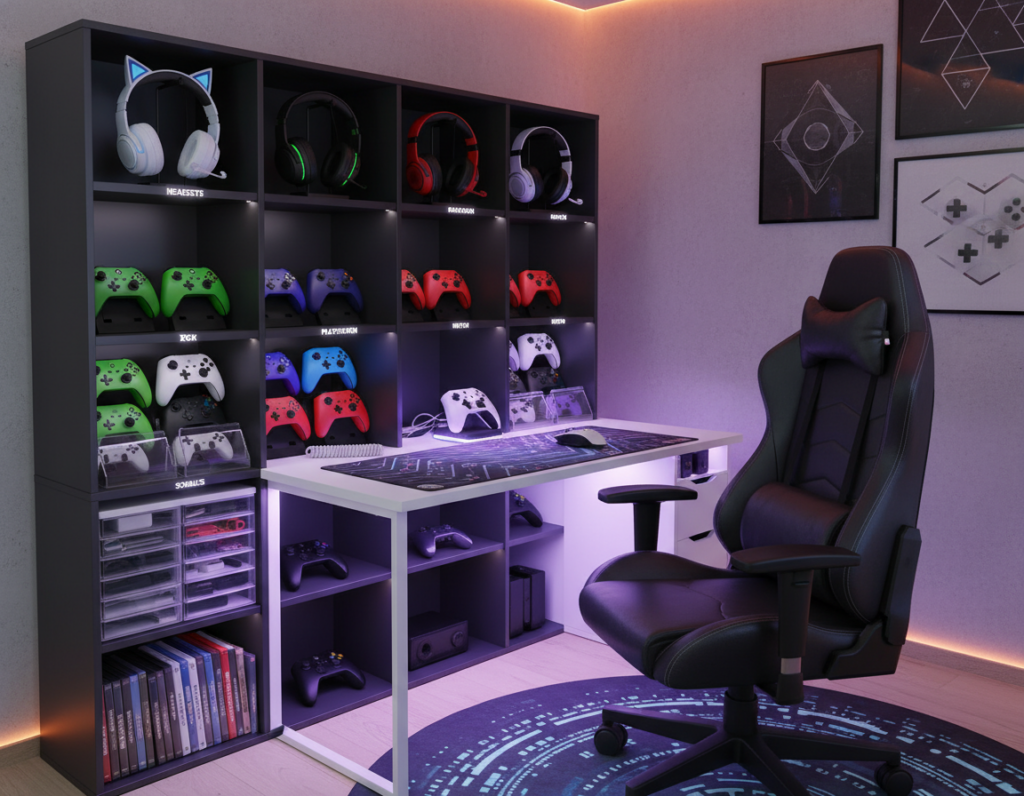
Pegboard wall systems offered a professional, visible way to keep controllers and headsets off surfaces. Mounting a pegboard near the TV or desk created a dedicated wall spot for video game tools.
Pegboard Wall Systems
Use hooks and small bins on a pegboard to hold controllers, headsets, and cords. This setup keeps gaming accessories in plain sight and makes each thing easy to grab.
Charging Drawer Dividers
They converted a shallow drawer into a charging station with adjustable dividers. A storage cabinet or shelf space can hide chargers while keeping controllers charged and tangle-free.
- A well-organized charging drawer keeps controllers ready for play.
- Short charging cables prevent knots and make the project low-maintenance.
- Labeling sections helps track which game pad belongs where.
Adhesive Controller Mounts
Adhesive mounts on the wall are a simple solution for small spaces. One adhesive system held two controllers and one headset securely, clearing floor and shelf clutter.
Result: these low-cost methods let them maintain neat console storage and a tidy living room without adding furniture. The setup kept controllers easily accessible and preserved valuable space for other uses.
Organizing Game Cases Like a Personal Library
Treat game cases like books to turn a cluttered pile into a curated shelf display. Storing cases spine-out creates a chic, browseable library that fits any living room.
A 360-degree media spinner rack that measures under a foot wide and three feet tall maximizes vertical storage and gives quick access without a cabinet. It’s ideal when shelf space is limited.
They used woven baskets among shelves to hide controllers and cables while keeping cases close at hand. A small bin for currently playing titles prevented stacks from forming on tables.
Pro tip: mount a shallow wall shelf to feature favorite games as decor. Add aesthetic bookends to keep cases upright and protect them from tipping.
- Spine-out storage makes games easy to find.
- Spinner racks save floor space and display video collections.
- Bins and woven baskets hide accessories and cable clutter.
Result: organizing video games like a library keeps every title accessible, preserves cases from damage, and turns a media area into attractive decor.
Repurposing Existing Household Items for Storage
With a few tweaks, common decor pieces can tuck away games and gear without buying new furniture.
Lidded hyacinth baskets on a rustic open-shelf media console provide a neat spot for two stacks of video games. They keep cases protected and reduce visible clutter.
Decorative trunks or ottomans work as hidden bins to store extra controllers and game consoles. Measuring shelf openings first helps them choose the right bins for a clean fit.
- DIY labels on woven baskets make it easy for family members to find accessories and current titles.
- Repurposed trunks add style while hiding a full video game collection from guests.
- Using vertical space with stacked bins or a narrow cabinet keeps cable runs tidy and consoles accessible.
Result: this project proved they could create professional console storage and a stylish living room without extra furniture.
Implementing Hidden Storage Solutions
Turning unused closets and under-bed space into tidy stashes transformed clutter into convenience. This approach kept game gear out of sight and preserved living room flow.
Closet Console Garages
A shallow shelf inside a closet became a dedicated console shelf. They used labeled shallow bins to hold controllers, cords, and small accessories so everything stayed visible without dumping piles out.
Tip: install a small power strip on the shelf and leave a ventilation gap so game consoles run safely while tucked away.
Under-Bed Storage Bins
Under-bed bins offered a dust-free place for backup consoles and spare game cases. Drawstring cord bags kept cables and game controllers separate to prevent tangles and speed setup.
A rolling bin makes it easy to slide systems out when needed while keeping them protected the rest of the time.
- Storage cabinet with doors: hides gaming accessories and keeps the living room clean while remaining easily accessible.
- Shallow bins: let organizers store game controllers and cords so nothing gets buried.
- Drawstring bags: prevent tangles and simplify connection when switching systems.
These hidden storage solutions balanced neatness and access. The result was a cleaner living room and a dedicated place for game consoles, headsets, and cases to live without adding furniture.
Maintaining Your Gaming Setup for Long-Term Order
Caring for three gaming spots—family room, husband’s office, and a son’s bedroom—was easier with a simple weekly routine.
They kept things consistent: each room had a labeled bin or shelf for controllers and headsets. Designated spots made it easy for everyone to return gear after play.
Weekly checks of cords and cable ties cut down on tangles. They swapped damaged cables and relabeled cords when plugs changed.
Periodic decluttering of video games and accessories freed usable space and kept storage functional. Removing unused titles preserved shelf and cabinet room for current favorites.
“A short routine beats a weekend clean-up every time,” a professional organizer noted.
- Keep a labeled charging spot for controllers and consoles.
- Inspect cords monthly and replace worn cables.
- Store spare games in clearly marked bins to save living room space.
Result: a consistent system kept video gear tidy across rooms, making playtime stress-free. For more storage solutions, see game room storage tips.
Conclusion
D1. A few targeted upgrades can keep devices, cables, and games in reliable order. They focused on simple, repeatable habits to sustain a calm living room and fast access to play.
strong, By using vertical shelving, hidden bins, and clear cable runs they created a practical storage solution that fits daily life. Decluttering the collection and giving each controller a set place made upkeep easy.
For lasting results, schedule quick weekly checks and rotate titles so favorites stay handy. Small, steady effort preserved a neat video game area and improved family use.
The first step is simple: pick one change today and build from there to transform the video game setup into a stress-free zone.