A crowded workspace can hurt production value. Professional streamers like Ninja show that a smart streaming desk and thoughtful setup lift content quality and viewer trust. The industry keeps growing, so having a tidy area matters more than ever.
Beginners often feel overwhelmed by gear choices and placement. A clear plan helps a streamer balance camera, audio, and lights while staying on a modest budget. Good design makes every item a useful part of the show.
This short guide explains how to reduce clutter and improve management of furniture, equipment, and accessories. It focuses on practical tips for camera angles, lighting positions, and cable control to boost video quality and viewer experience.
Read on to learn simple steps that turn a messy room into an efficient, professional setup that supports long-term growth.
The Foundation of a Professional Streaming Desk Layout
Comfort and support should be the top priorities for anyone who spends hours on camera. The right chair and desk form the physical base of a streaming setup and protect the body during long broadcasts.
Ergonomics matter more than aesthetic tricks. A well-chosen chair supports the lower back and reduces fatigue. The surface should fit your equipment and allow easy reach of audio and lighting accessories.
Quality over clutter helps maintain consistent content and video performance. Investing in supportive furniture pays off in longer, more engaging sessions and a healthier career.
- Prioritize posture: pick a chair with lumbar support.
- Match height: set the surface so arms rest naturally during play and talk.
- Integrate gear: place lights and audio so they enhance the stream without causing strain.
Organizing the room around ergonomics ensures equipment supports the person. That balance improves comfort, viewer experience, and long-term productivity in the gaming and content industry.
Selecting the Right Desk for Your Gear
A well-chosen surface transforms scattered items into an efficient command center. This section guides readers through design choices that balance space, stability, and function for a professional streamer setup.
Wing-Shaped Designs
Wing-shaped tops give generous desktop space so monitors, keyboard, and audio gear stay within reach. A 72-inch model supports triple monitors and keeps the camera and lighting positions predictable.
Designs like this help organize accessories and reduce clutter on the main surface. They also create zones for PC, mixer, and controller docks without crowding the stream area.
Standing Desk Benefits
Height-adjustable furniture offers sit/stand flexibility to cut fatigue during long sessions. The Autonomous Desk 2 (Standard) is a strong recommendation for its solid build and electric height control.
- Stability matters: a sturdy frame prevents wobble that distracts viewers and harms equipment.
- Space planning: leave room for monitors and lighting so video quality stays consistent.
- Budget options: choose a reliable model that supports your PC and accessories without overspending.
In short, picking the right furniture is a core part of any quality setup guide. The correct choice improves support for cameras, audio, and all equipment while keeping the room organized and professional.
Mastering Cable Management for a Clean Look
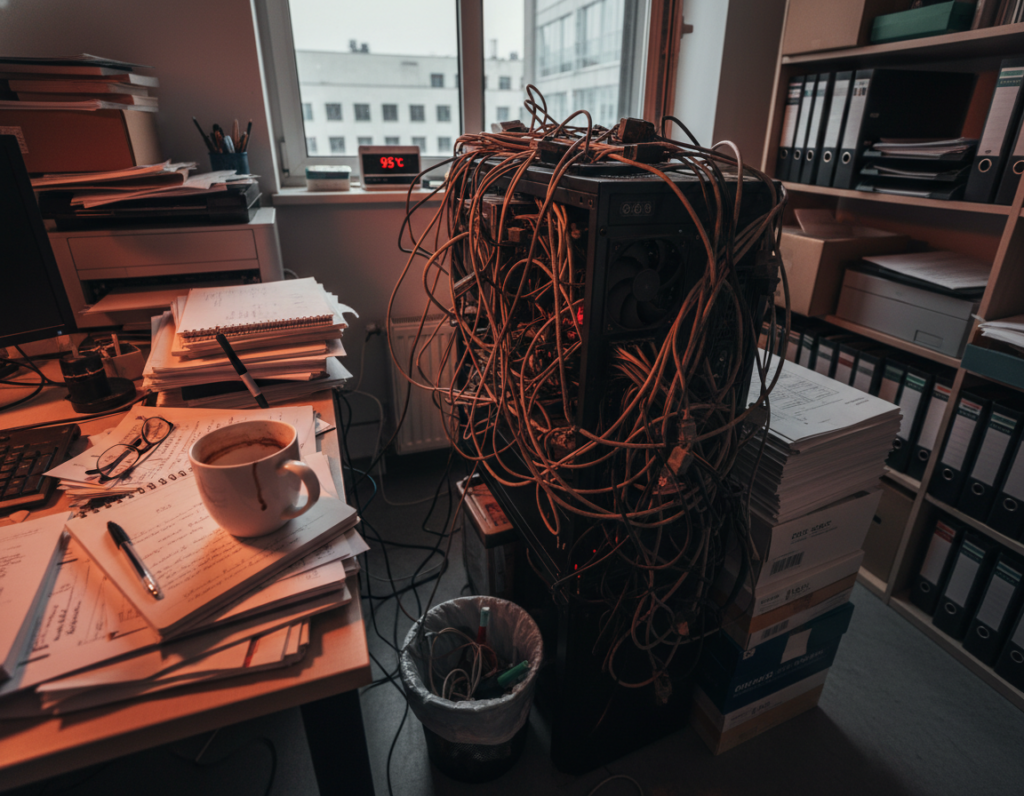
Messy cables under a work surface can turn a professional setup into a safety hazard and an eyesore. Good cable management keeps the space safe and lets viewers focus on the presenter and content.
Start low and work up. Mount deep channel trays beneath the desk to hide power bricks and spare cable length. This creates a first layer that removes bulk from the surface.
The Layered Routing Approach
- Bundle cables with Velcro or magnetic ties so monitor and peripheral cords stay tidy and out of harm’s way.
- Use desk grommets with brush plates to route wires cleanly through the surface and keep the top uncluttered.
- Label ends and secure power strips to the tray to prevent accidental unplugging during a live stream or stream session.
Well-executed cable management improves ergonomics and quality. Many streamers find that a neat cable system makes their daily setup faster to use and more reliable for long broadcasts.
Optimizing Monitor Placement and Viewing Angles
Proper monitor placement prevents neck strain and keeps focus during long broadcasts. According to ISO 9241-5:2024, screens should sit in the primary reach zone to support a neutral posture and reduce musculoskeletal risk.
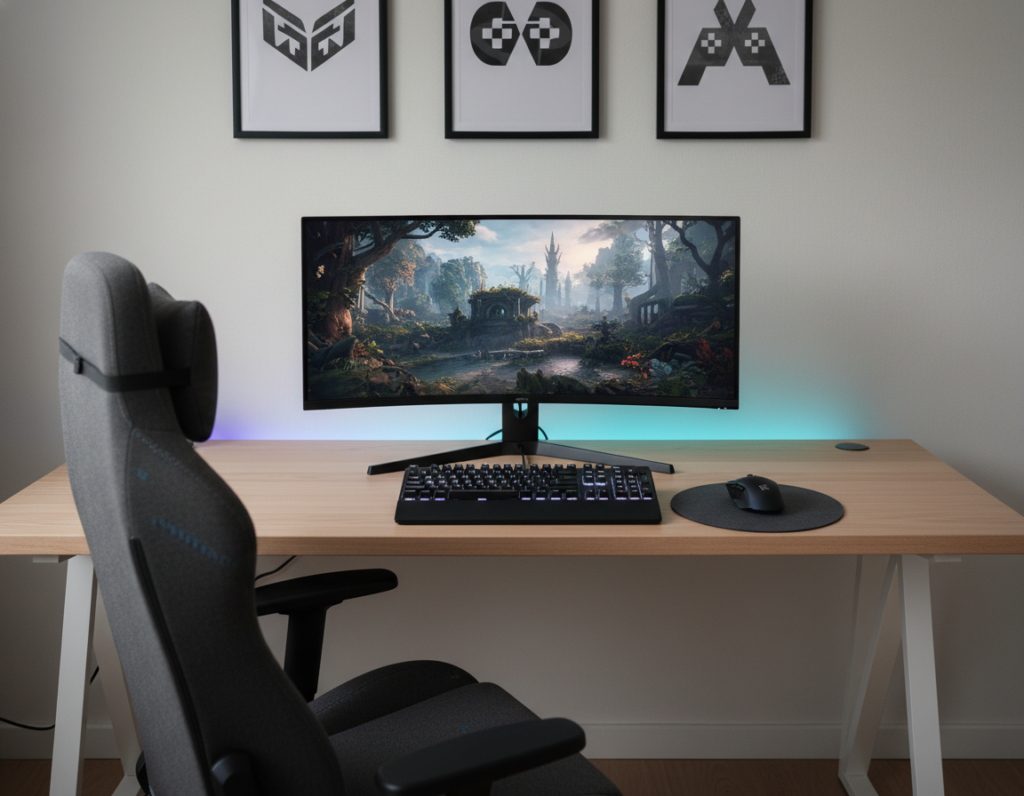
A 30-inch deep desk gives the ideal viewing distance for large 34-inch monitors. This space helps prevent eye fatigue and keeps the camera framing steady during intense gaming or video work.
Use a monitor arm to set screen height and tilt. Adjustable arms let the streamer align camera, chat, and game windows for quick access. Stability matters: a shaky arm distracts viewers and lowers perceived video quality.
- Place screens so the top of the monitor is at eye level.
- Keep center monitor in front for primary tasks and eye contact with the camera.
- Use arms to tuck extra screens into side positions without blocking the main view.
Optimizing monitors improves concentration and the overall viewing experience. For more on multi-screen setups and practical tips, consult the multi-monitor gaming guide.
Essential Peripherals and Accessory Storage
Tiny changes to where accessories live can boost audio and video quality fast. A thoughtful approach keeps a streamer desk tidy and makes each part easy to reach during a live stream.
Microphone arm positioning matters. A dedicated microphone on an adjustable arm gives cleaner audio than headset mics. Position it just off-center to avoid blocking the camera and to keep mouth noise steady.
Controller Charging Docks
Keep backup controllers in a charging dock so devices are always ready. This reduces downtime and supports a smooth stream when a battery dies.
Headphone Storage
A headphone stand or hanger prevents cable tangles and clears surface space for keyboard and mouse. Simple storage in a drawer or cabinet preserves a professional look.
- ErgoChair Pro and ErgoChair Ultra offer lumbar support for longer sessions.
- Store small accessories in labeled compartments for quick access.
- Place camera and lighting so they don’t obstruct the monitor or view.
Investing in quality peripherals and clear storage management improves ergonomics, saves space, and raises overall stream quality on a modest budget.
Lighting Strategies for Visual Appeal
Good lighting turns an ordinary room into a stage that showcases on-camera presence. A clear plan helps a streamer set mood, focus, and consistency without breaking the budget.
The Razer Kiyo is a notable budget-friendly camera that ships with built-in illumination. For creators who lack external lights, it improves face visibility and overall video quality.
RGB lights add a studio vibe and keep viewers engaged. Use matched color schemes across backlight, shelf LEDs, and peripheral accents to build a cohesive design and brand identity.
“Consistent color choices make a stream feel polished and professional.”
Avoid chaotic RGB that distracts from the presenter. Instead, place LED strips behind the desk, on shelves, or around the camera to highlight equipment and set depth. Proper placement improves how the camera reads skin tones and contrast.
- Tip: pair built-in camera light with soft backlights to reduce shadows.
- Tip: keep one or two dominant hues for brand consistency.
- Tip: use lights to draw attention to key accessories and audio gear.
Lighting is a core piece of equipment for any streaming setup. Thoughtful use of RGB and practical fixtures raises production value, keeps viewers focused, and helps long-term growth.
Ergonomic Considerations for Long Sessions
A healthy routine for streamers balances sitting, standing, and brief activity across each hour. The 20-8-2 rule from Cornell recommends 20 minutes of sitting, 8 minutes of standing, and 2 minutes of movement. This rhythm helps reduce strain and keeps energy steady during long video hours.
The Rhythm of Movement
Movement matters as much as gear. Adjust chair and desk height so the spine stays neutral. Proper height reduces pressure on the lower back and improves breathing and voice quality for live audio and stream performance.
- Follow 20-8-2: set a timer to cue standing and short walks.
- Use a mechanical keyboard for responsive typing and less finger fatigue during long gaming or chat sessions.
- Add ergonomic accessories like a wrist rest and foot support to protect joints during extended hours.
Small, regular breaks for stretching improve long-term comfort and viewer experience. Ergonomics is the whole setup working for the body, not just the chair. Maintaining this rhythm helps streamers perform at their best and keep the room functional for future setups.
Creative Themes for Your Streaming Space
A focused theme makes gear and decor work together, not fight for attention. Pick a concept—all-black, anime-inspired, or minimalist—and let it guide color, props, and furniture. This helps the room read clean and consistent on video.
Keep the main surface tidy. Your desk should mirror the brand: sleek and modern or bold and RGB-heavy. Limit active colors to two main hues so lights and screen elements feel deliberate.
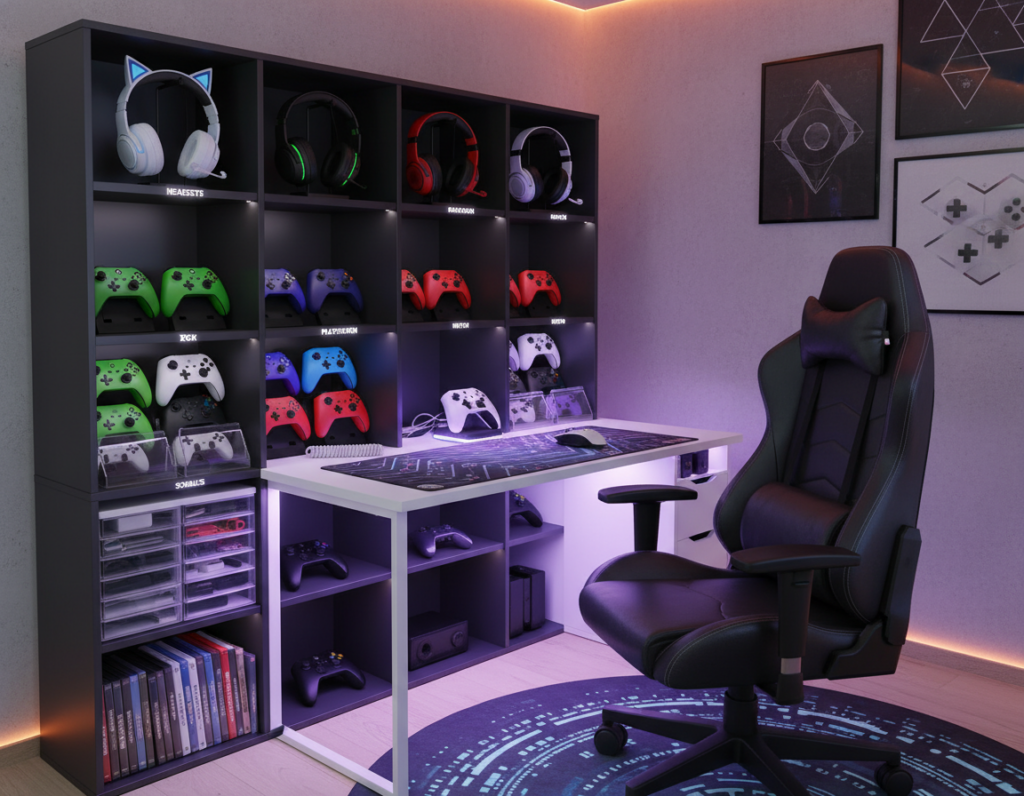
Use wall-mounted shelves to show collectibles and art. Shelves add personality without filling the work surface. They make the environment feel curated and professional.
- Minimal setups look open and bright on camera.
- Accent lighting and a matched color palette create depth.
- Cohesive design makes the room memorable and helps build an audience.
“A consistent theme turns a room into a studio, not just a hobby space.”
Stability and Load Capacity Requirements
Weight and balance determine whether your arrangement stays steady during long hours. A pro-level setup with three monitors and a liquid-cooled PC can reach roughly 67 kg, so choose a streamer desk rated for 120 kg or more.
Stability is the most important part of the workspace. Monitor wobble distracts viewers and breaks concentration.
Dual-motor desks are recommended for heavy rigs. They deliver smoother height changes and less chance of motor burnout during frequent adjustments.
Pick furniture built from high-quality steel and a thick desktop. This construction gives the needed support for monitor arms and intense gaming sessions.
- Load capacity: aim for 120 kg+ to cover monitors, PC, and peripherals.
- Calculate total weight: include the desktop, monitors, arm, and all equipment.
- Durability: choose desks with steel frames and dual motors for long-term stability.
“A sturdy desk removes wobble and keeps the on-camera experience professional.”
Investing in a stable streamer desk protects gear and posture. It is a small cost for reliable performance and a safer, more professional space.
Conclusion
A thoughtful end-to-end plan helps a creator turn a room into a reliable production space. ,
Building a professional streaming setup takes attention to comfort, stability, and clear gear placement. This guide shows how to choose a strong desk, set monitors and lights, and tame cables so the space works, not fights, during long sessions.
Stability and ergonomics remain the cornerstones of a successful streamer career. They protect health and improve on-camera performance over time.
Start applying these tips today to transform your room into a clean, efficient studio that supports growth in the industry and reflects your brand.