Designing a clean play area can sharpen focus and boost performance without adding clutter. They can build a minimal gaming setup that emphasizes the essentials: a solid desk, a reliable monitor, and a responsive keyboard and mouse. This approach keeps the room calm while highlighting what matters most for long sessions.
Good cable management and smart storage turn any space into a professional-grade gaming setup. Horus X has equipped over 500,000 clients with gear that supports this trend. That shows many players prefer a sober, efficient desktop that still feels immersive.
Thoughtful choices in lighting, a compact case, and quality peripherals create a timeless look. With a few focused ideas, anyone can craft a minimalist desk that balances comfort, color, and performance.
Defining the Minimalist Gaming Aesthetic
A curated desktop favors clear lines and purposeful components over decorative excess. This aesthetic values sobriety of parts rather than flashy contours. The goal is a cohesive desk that supports play without visual clutter.
Every piece must earn its place. That means choosing a monitor, keyboard, mouse, and case for performance and form. A consistent color palette and restrained lighting keep attention on the game and the task at hand.
Designers suggest limiting accessories and keeping storage options hidden to maintain the look. Good cable management reduces distraction and boosts the feeling of a professional desktop.
- Focus on components that deliver reliable performance, not just visual flair.
- Prefer simple peripherals and a tidy layout so each item serves a clear purpose.
- A single accent light or subtle RGB can add mood without overwhelming the space.
Ultimately, the idea is a sanctuary-like desk where choices reflect intent. This approach helps players stay focused and enjoy longer, more productive sessions.
Essential Components for a Minimal Gaming Setup
Selecting each element with intent keeps the desktop calm and performance-driven. This section covers the monitor, the case, and pared-back peripherals that form a cohesive desk environment.
Monitor Selection
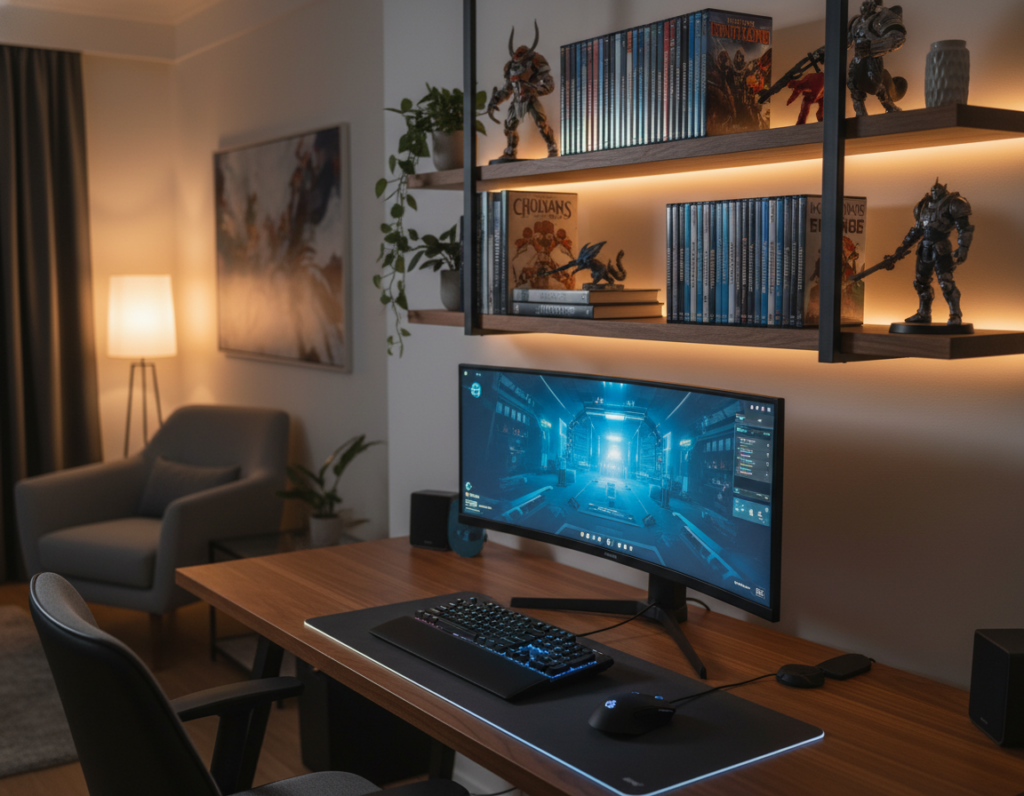
Choosing a single widescreen monitor reduces clutter and trims the number of visible cables. A good display replaces multiple screens and simplifies the desktop layout without sacrificing field of view.
One wide panel also makes color matching and lighting easier, so the entire desk looks uniform and purposeful.
PC Case Choices
Cases like the HYTE Y70 and X50 offer clean lines and panoramic views of the hardware. They support tidy routing and help with cable management so storage and power runs stay hidden.
For budget builds, the BitFenix Nova Mesh (~65€) gives a sober housing that still works well with quality parts. Pairing a closed case with a Noctua NH-U12 cooler keeps noise low and performance high.
Peripheral Minimalism
Pick peripherals that do one thing well. The Keychron K6 keyboard and Steelseries Rival 310 mouse are compact, reliable, and avoid excess LEDs or keys.
Use 16GB of Crucial Ballistix RAM and an MSI MAG B460 Torpedo motherboard for solid performance without RGB fuss. A neutral mouse pad and restrained lighting finish the idea of a cohesive, long-term desktop.
“Every component should earn its place; quality trumps quantity.”
- Monitor: one widescreen to reduce clutter.
- Cases: HYTE Y70/X50 or BitFenix Nova Mesh for cleaner routing.
- Peripherals: Keychron K6, Rival 310, and reliable RAM for steady performance.
Mastering Cable Management and Storage
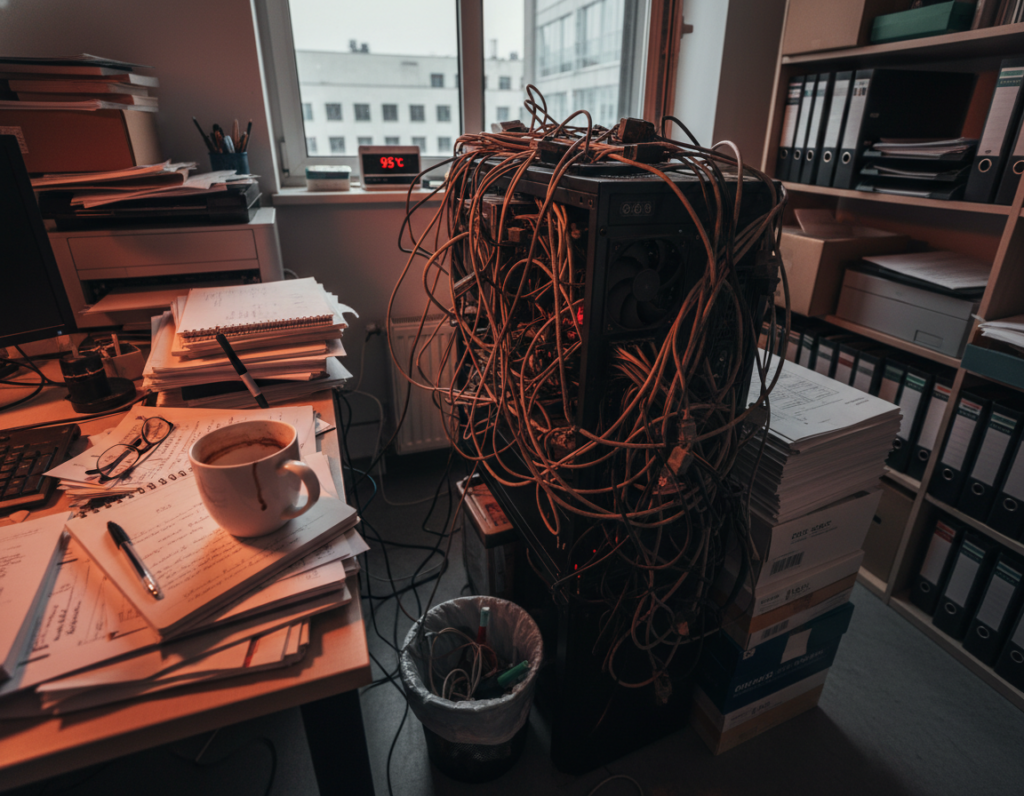
Tidy cable runs and smart storage transform a cluttered desk into a calm, functional workspace.
Proper management keeps the visual lines clean and improves airflow around the case and monitor. They should hide power strips and long cords with under-desk trays or raceways to preserve the minimalist gaming setup look.
Hidden Routing Techniques
Use Velcro straps, cable socks, or zip ties to bundle monitor, keyboard, and mouse cords. A power dock placed near the rear of the desk reduces exposed cables and shortens runs.
- Under-desk trays: keep power strips and adapters off the floor.
- Raceways and sleeves: route multiple cables invisibly along the desk edge.
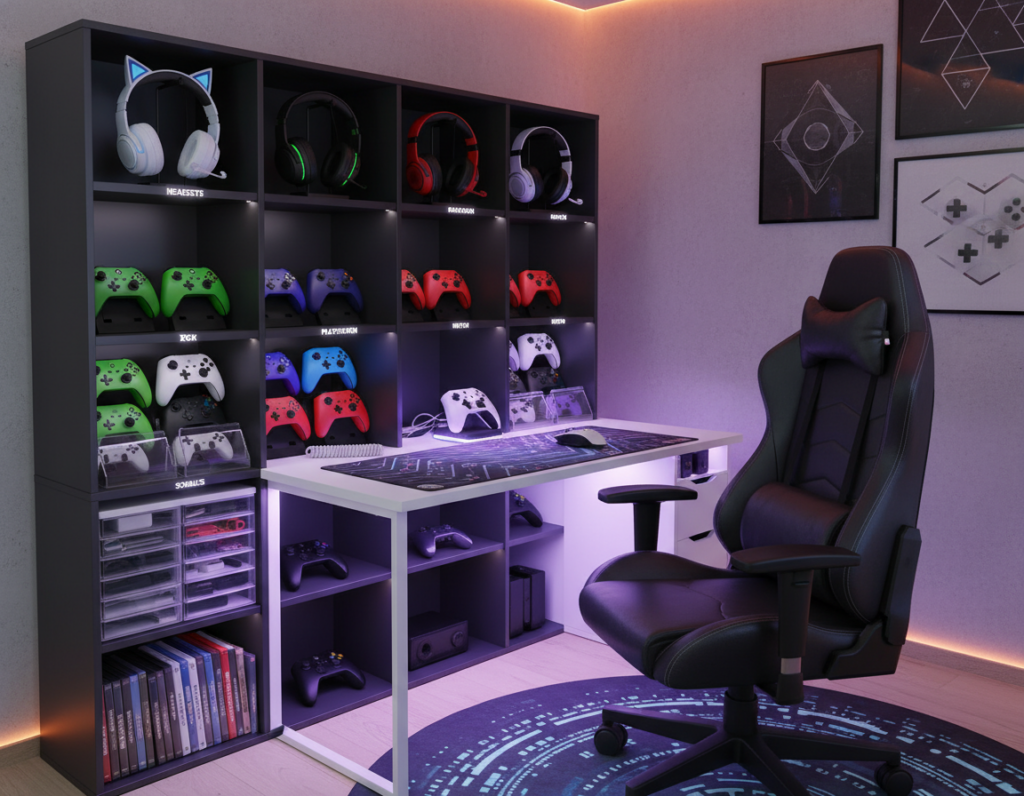
- Designated storage: drawers or shelves hide controllers and accessories.
- Bundle smartly: separate power and data lines to reduce interference.
When every mouse, keyboard, and peripheral has a place, the desk setup feels deliberate. Good routing not only looks better but also helps component cooling and performance.
Selecting the Right Color Palette
Color choices set the mood for play; they can open a room or deepen its focus. A clear palette helps the desk read as one intentional space. It also keeps visual noise low so attention stays on performance.
All-white schemes create a bright, modern workstation that feels open and airy. White surfaces reflect light and make a small room appear larger. This choice pairs well with white cases, a neutral monitor bezel, and a pale pad.
All-black or monochrome options add depth and reduce distractions. Dark tones give a sophisticated look and work especially well with soft, indirect lighting.
Dual-tone approaches—such as black-and-white or grey-and-tan—introduce contrast without clutter. They allow one accent hue for small items while keeping the main layout restrained.
- Match peripherals, monitor trim, and the case to the chosen palette.
- Keep cable colors consistent or hide them to preserve the minimalist desk aesthetic.
- Use lighting to complement, not overpower, the color theme.
When planning to setup together a cohesive look, consider the psychology behind hues. For more on how color affects mood, see the color psychology of gaming rooms.
Lighting Strategies for an Immersive Atmosphere
Subtle illumination can elevate a room without drawing attention away from the game. Good light improves focus, reduces eye strain, and makes the desk feel intentional.
Ambient Lighting Solutions
Soft, indirect light works best for a minimalist desk. HYTE’s Noodle strips add a gentle glow behind the monitor and under shelves. Philips Hue gear offers precise color and intensity control to match mood and time of day.
Place strips behind the monitor or under a floating shelf to highlight equipment without glare. Keep cables hidden to preserve clean lines and solid cable management.
Avoiding RGB Overload
Resist the urge to flood the room with color. One soft accent light is better than many competing RGB sources. This preserves minimalism and keeps attention on play and performance.
“Lighting should support the experience, not drown it.”
- Use one ambient strip behind the monitor.
- Choose warm or neutral tones for long sessions.
- Highlight a case or peripherals sparingly, not every accessory.
Ergonomic Considerations for Long Sessions
A well-planned desk area prevents pain and keeps focus sharp during extended play.
Ergonomics matters as much as aesthetics. The IKEA MICKE desk, at about 100€, offers a wide surface and drawers that help keep accessories organized. A roomy surface makes it easier to position a monitor and keyboard mouse correctly.
Choose a chair with adjustable lumbar support and a mesh backrest. These chairs improve posture and keep the sitter cool during long periods. Proper chair height pairs with desk height to protect the spine.
Position the monitor so the top third sits at eye level. Place the keyboard and mouse close enough so the forearms stay relaxed. Keep cable runs tidy; a single hidden raceway reduces clutter and prevents trips.
- Desk layout: prioritize reach and neutral wrist angles.
- Components: select quality items that support comfort and performance.
- Accessories: use wrist rests or monitor risers when needed.
“A comfortable environment boosts performance and makes any setup sustainable.”
Conclusion
Clean choices and steady routines make the desk feel professional and personal at once. Building a minimal gaming setup is rewarding when form and function meet.
Focus on cable management and intentional storage to keep a gaming setup tidy. Choose each monitor, keyboard, and light for quality rather than quantity. Small decisions shape the room more than many gadgets do.
Whether they prefer a monochrome scheme or a touch of color, players should let their personality guide the layout. Regular maintenance of the desk layout keeps minimalist gaming comfortable and durable.
These tips aim to help anyone create a balanced minimalist setup that blends aesthetics, comfort, and performance for years to come.